Best Vibe Coding Platforms for Founders
First-hand comparison of the best vibe coding platforms for founders: Lovable, Bolt, Replit, v0, Emergent and Base44 by use case, plus token costs.
Vibe coding is a useful way for a founder to turn an idea into something people can see, click and challenge. It can replace weeks of vague feature lists with a working expression of the product. It does not automatically make that expression secure, maintainable or ready for real customers.
That distinction matters because vibe-coded prototypes are becoming the new normal. We increasingly expect a founder to arrive with more than a deck. They may have a flow in v0, a working app in Lovable or Bolt, a Replit project, or a repository assembled across several tools. We like receiving briefs this way. A tangible product gives us something much better to question, improve and turn into a first production release.
The aim is not to defend an old agency process from AI. The aim is to use the founder’s work without mistaking a convincing demo for a dependable product.
What is vibe coding?
Vibe coding means describing what you want in natural language and letting an AI system generate and change the software. You direct the outcome through prompts, screenshots and feedback rather than writing every line yourself.
The term was coined by Andrej Karpathy in February 2025. Software developer Simon Willison later drew a useful boundary: vibe coding is specifically the mode where you let the model build without reviewing and understanding the code. If generated code is reviewed, tested and deliberately engineered, it is still software development, even if AI wrote much of it.
That is why the term should not be used as an insult. Vibe coding has removed the steepest part of the route from idea to working software. Founders, operators and subject specialists can now test ideas that might never have survived the cost and delay of a traditional first build.
Use it for what it is very good at:
- Making an idea tangible
- Testing the shape of an important workflow
- Exploring different interfaces quickly
- Showing potential users something specific
- Revealing missing decisions in the brief
- Creating a stronger starting point for product and engineering conversations
Be more careful when the product begins to hold personal data, take money, send customer communications, make decisions, depend on several integrations or carry a real operational promise.
The benefit nobody should dismiss
A prototype shows how a founder thinks the product should work. That is valuable even when some of those choices are wrong.
In a traditional brief, phrases such as “simple dashboard”, “easy onboarding” and “automated matching” can hide dozens of unresolved decisions. In a working prototype, those assumptions become visible. We can see what the founder thinks the first screen should do, what information matters, where people make choices and what the product is really trying to replace.
That creates a better conversation:
- The founder demonstrates the intended customer outcome.
- We separate real user evidence from personal assumptions.
- We challenge the product flow, commercial model and technical choices.
- We keep the parts that already work.
- We shape the smallest production release that can produce meaningful evidence.
The founder has not wasted time by building the wrong first version. They have made their thinking inspectable. The waste comes when everyone treats the first generated version as untouchable because it already looks finished.
My take on the leading vibe-coding platforms
I have used all six of these platforms. They overlap more than they used to, but they still have different sweet spots.
If you need a quick answer to which vibe coding platform is best for which founder use case:
- Best for a connected web product workflow: Lovable
- Best for a shareable full-stack demo in the browser: Bolt
- Best all-in-one building and deployment workspace: Replit Agent
- Best for UI-led SaaS concepts heading to Next.js: v0
- Best for larger, more ambitious proofs of concept: Emergent
- Best for internal tools and early validation: Base44
There is no single winner for every founder. The right choice is the one that gets your biggest product question into a form you can test, while leaving you a sensible route to export, review and rebuild the parts that matter.
| Platform | My working summary | Best starting point |
|---|---|---|
| Lovable | Fast route from an idea to a convincing connected web app | Founders testing a real product workflow |
| Bolt | Very quick browser-based experiments with database and hosting included | Shareable demos and smaller full-stack experiments |
| Replit Agent | The broadest all-in-one building, debugging and deployment workspace | Founders who want everything in one place |
| v0 | Strongest when the interface matters and the destination is Next.js | UI-led SaaS and polished product concepts |
| Emergent | More ambitious end-to-end builds with plenty happening behind the scenes | Larger proofs of concept |
| Base44 | Excellent at turning straightforward workflows into working tools quickly | Internal tools and early validation |
Lovable
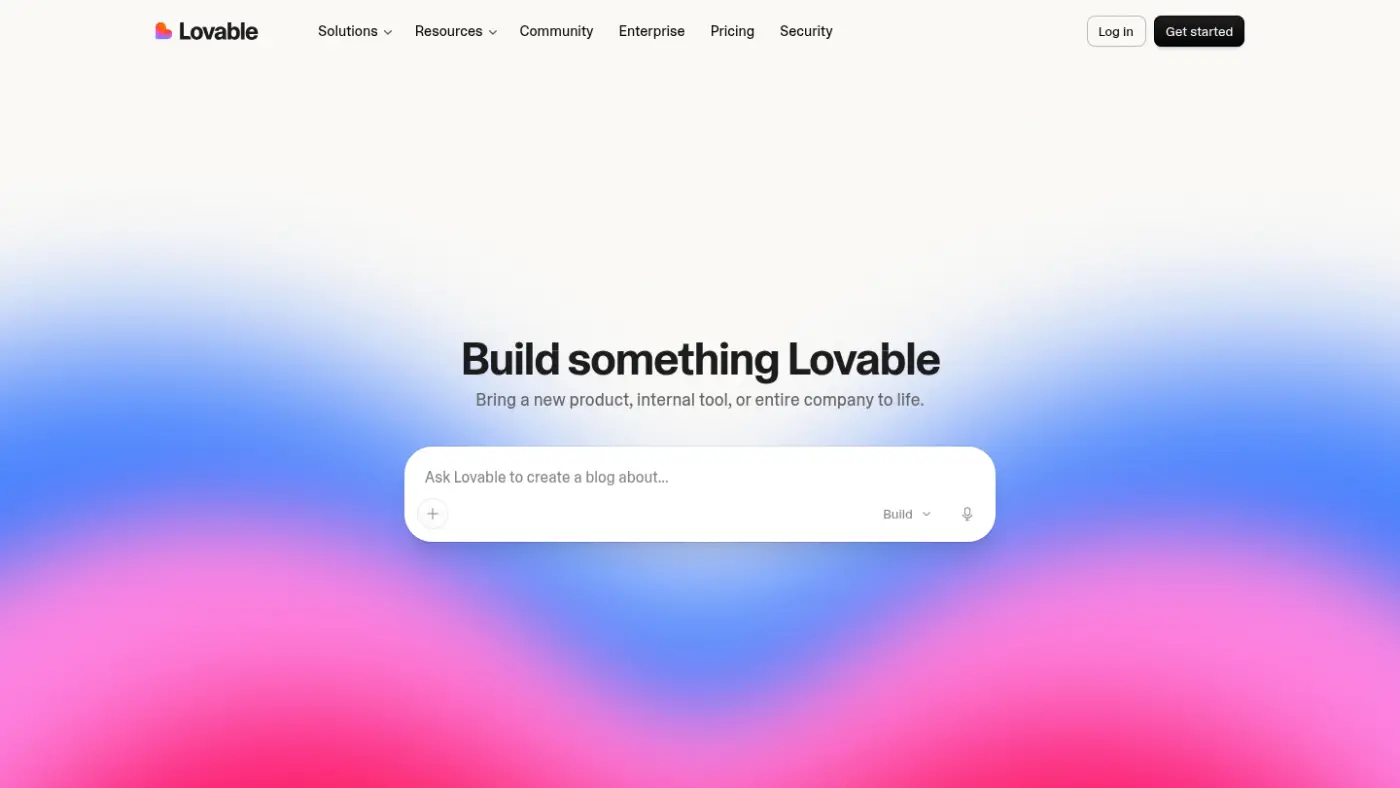
Lovable’s strongest moment is the first working version. It can move quickly from a plain-English description to a convincing interface with connected data and authentication through Supabase. Its GitHub integration also gives you a route to take the code elsewhere.
The repeated warning in public user reviews is the final stretch. As the product grows, debugging loops, credit usage and hidden assumptions become much more important.
I think it is a strong choice for validating a web product, provided you connect GitHub early and treat the generated code as something to inspect rather than a finished product.
Bolt
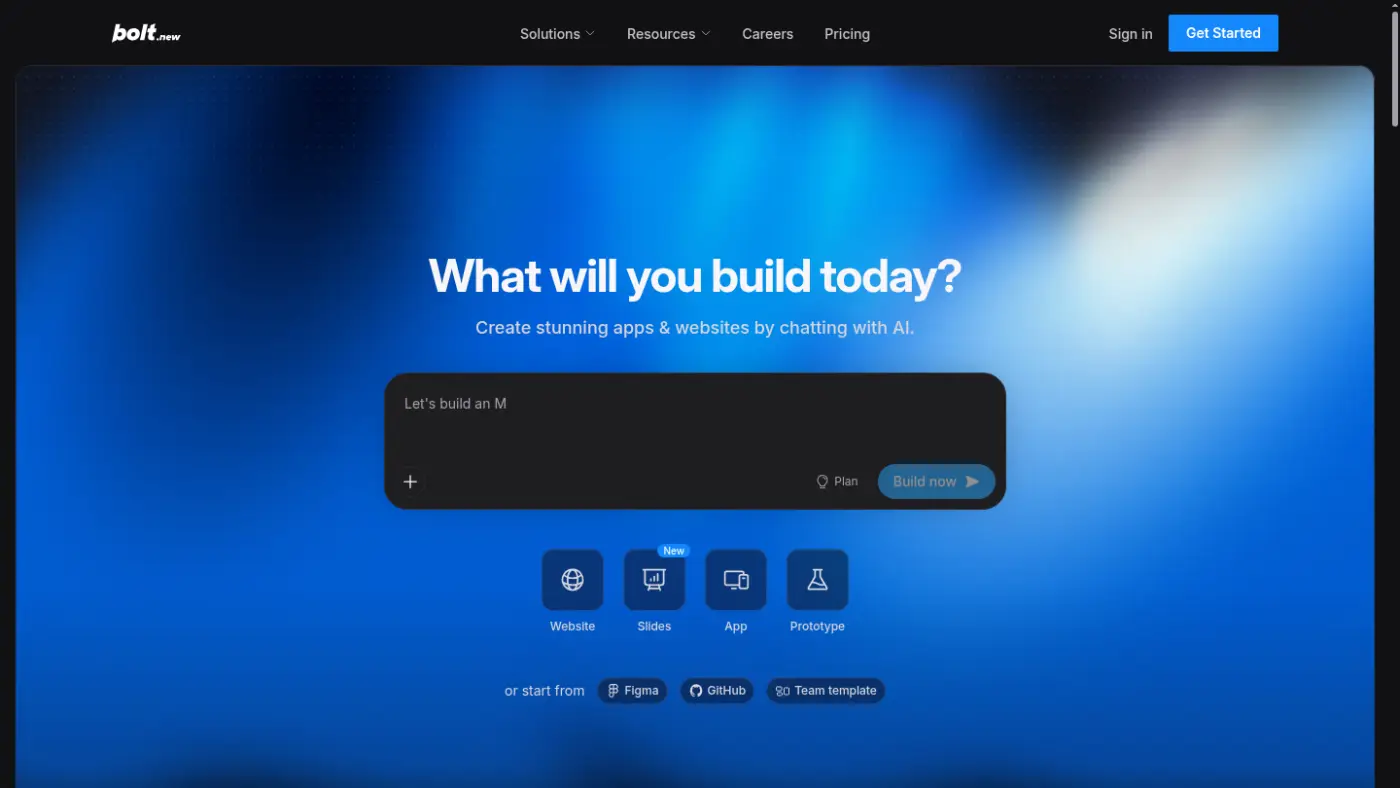
Bolt is built for momentum. Its browser-based workflow, managed database and instant hosting make it easy to go from a prompt to something you can send to another person.
That speed is also the trade-off. Independent testing and user reports point to slower or stuck iterations, token usage and the system losing context as projects become more complicated.
I would use Bolt to test a narrow idea quickly, but put a clear boundary around the experiment before it turns into a large system.
Replit Agent
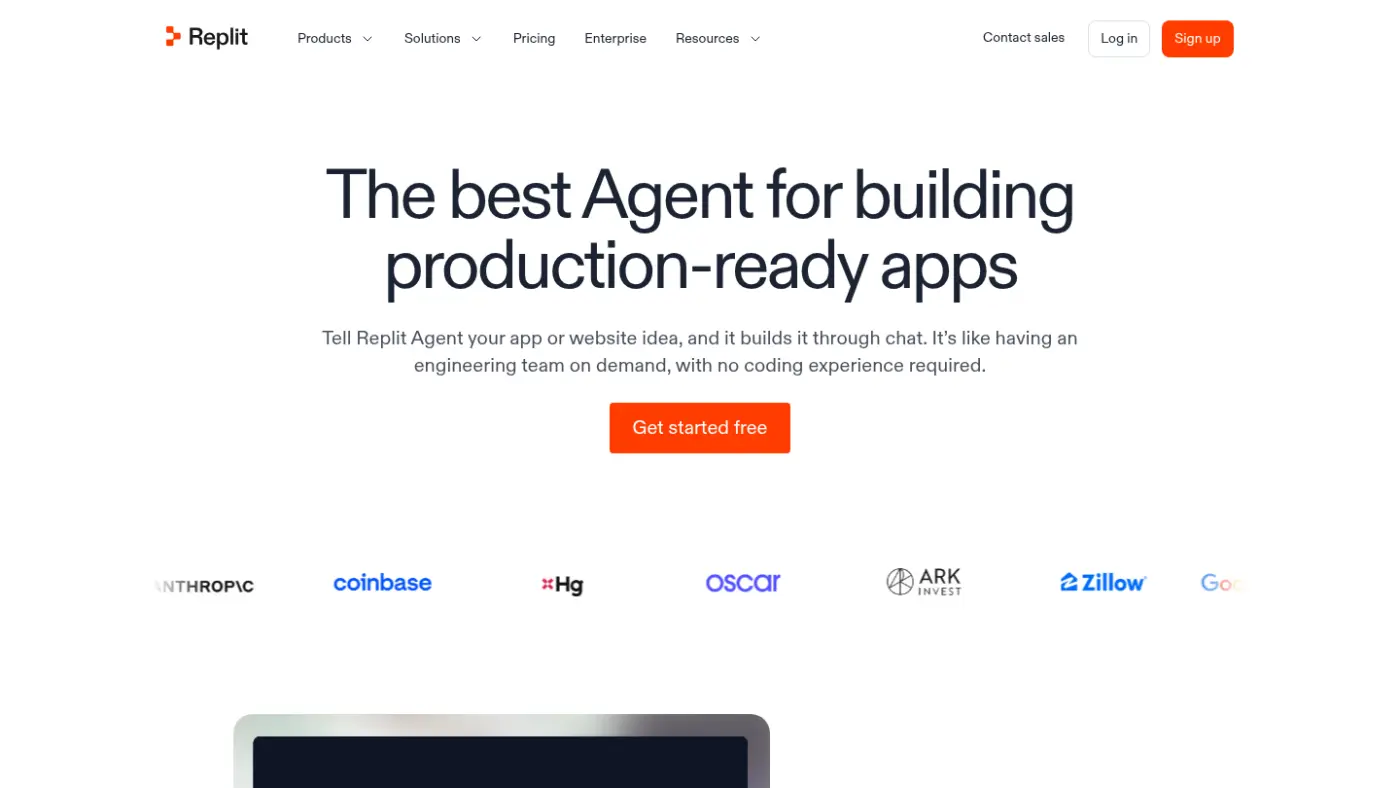
Replit gives you the most complete single workspace in this group. Its agent can plan, change, explain, debug, test and deploy the product, with checkpoints when you need to recover from a bad turn.
The recurring complaint is cost control. Agent loops and usage-based charging can make apparently simple changes surprisingly expensive.
It suits founders who want to stay close to the running application and are prepared to lead the process rather than accept every answer it produces.
v0
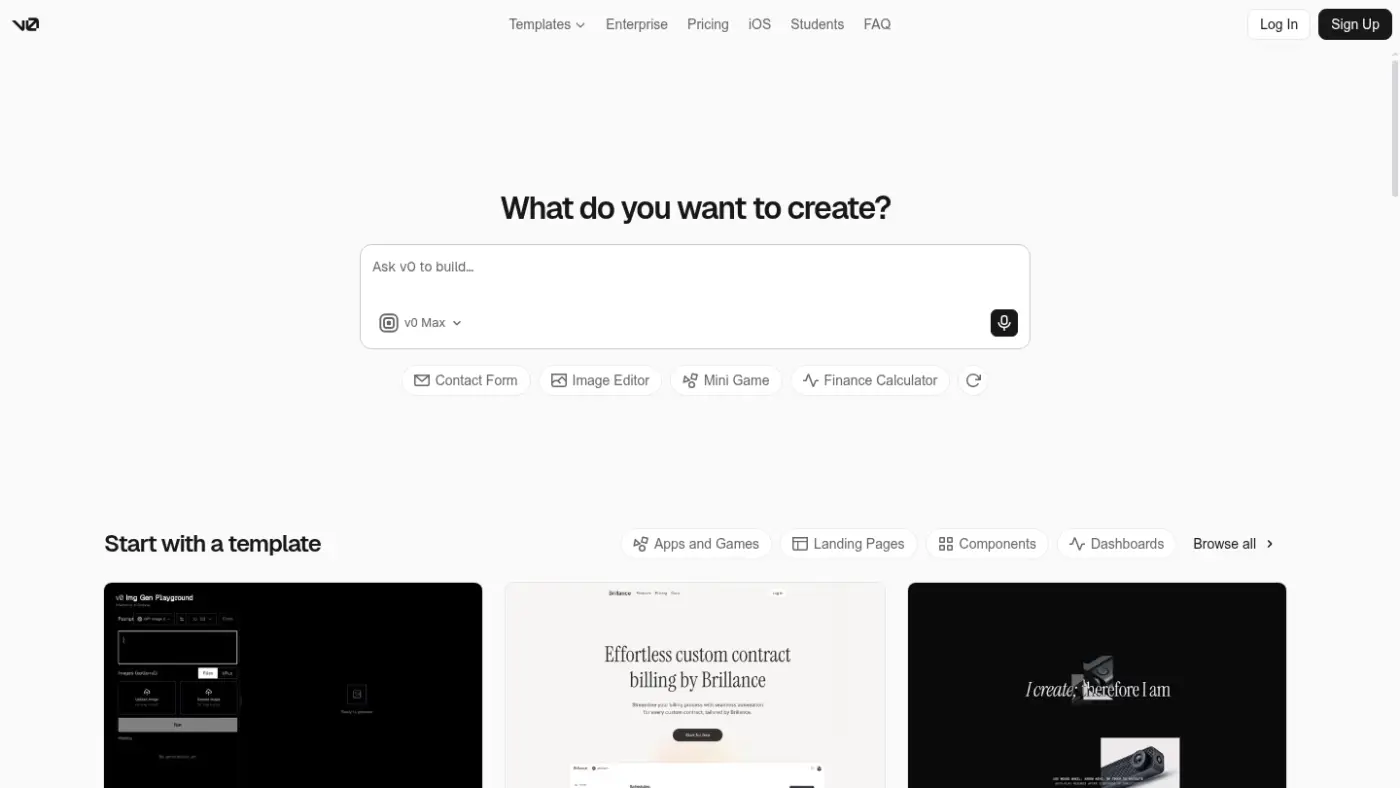
v0 is the obvious starting point when the interface is the product. It is particularly strong for polished React and Next.js work, while its GitHub branches, pull requests and Vercel deployment provide a cleaner engineering handover than many founder tools.
It can become less predictable when you continue layering changes onto an already-generated application.
For a UI-led SaaS concept that may later enter a conventional Next.js engineering workflow, v0 would be my first choice.
Emergent
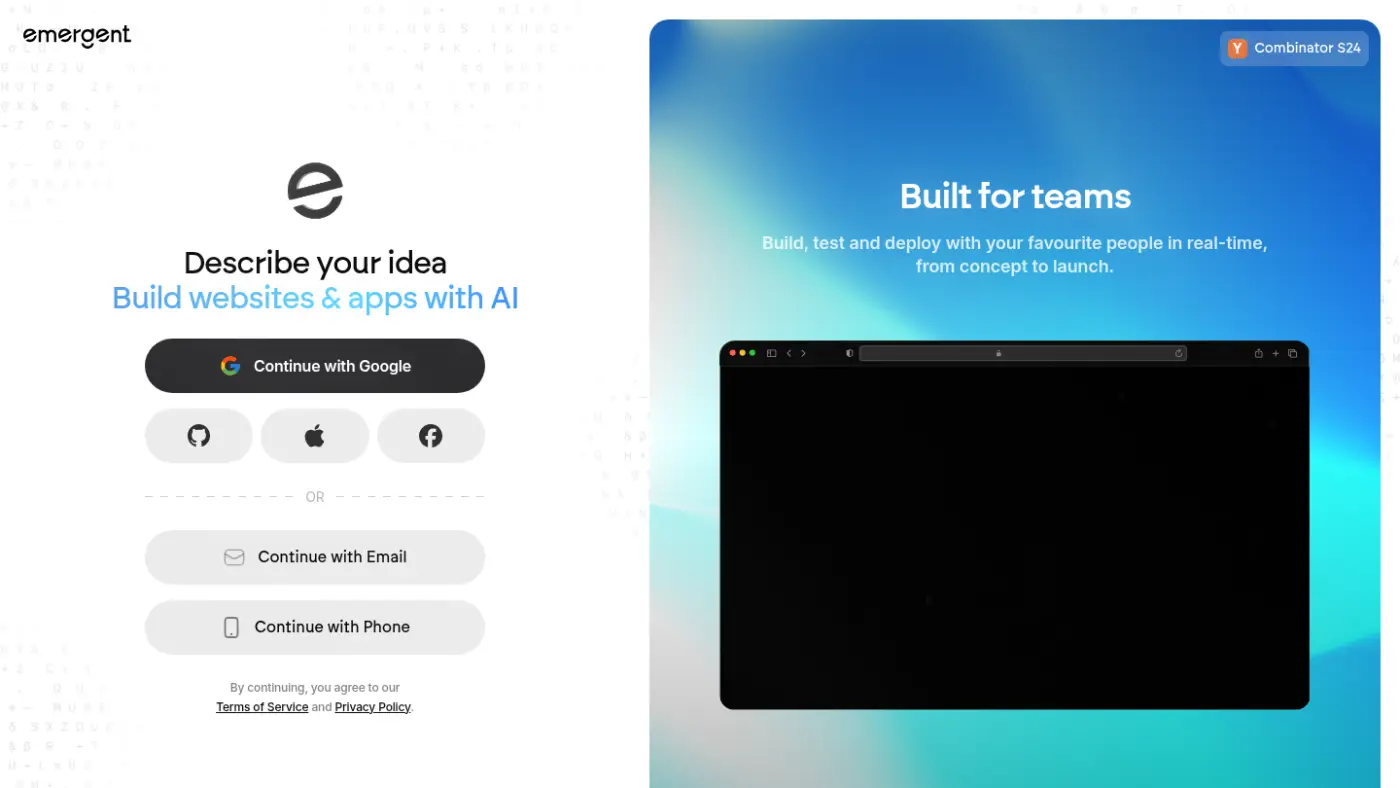
Emergent aims further into end-to-end product generation than a simple interface builder. Its model choices, conversational planning, testing and deployment are useful when the experiment has several moving parts.
Independent reviews describe it as slower and more credit-hungry than the quickest alternatives.
It is worth trying for a more involved proof of concept, but I would not choose it simply because it promises to carry more of the build.
Base44
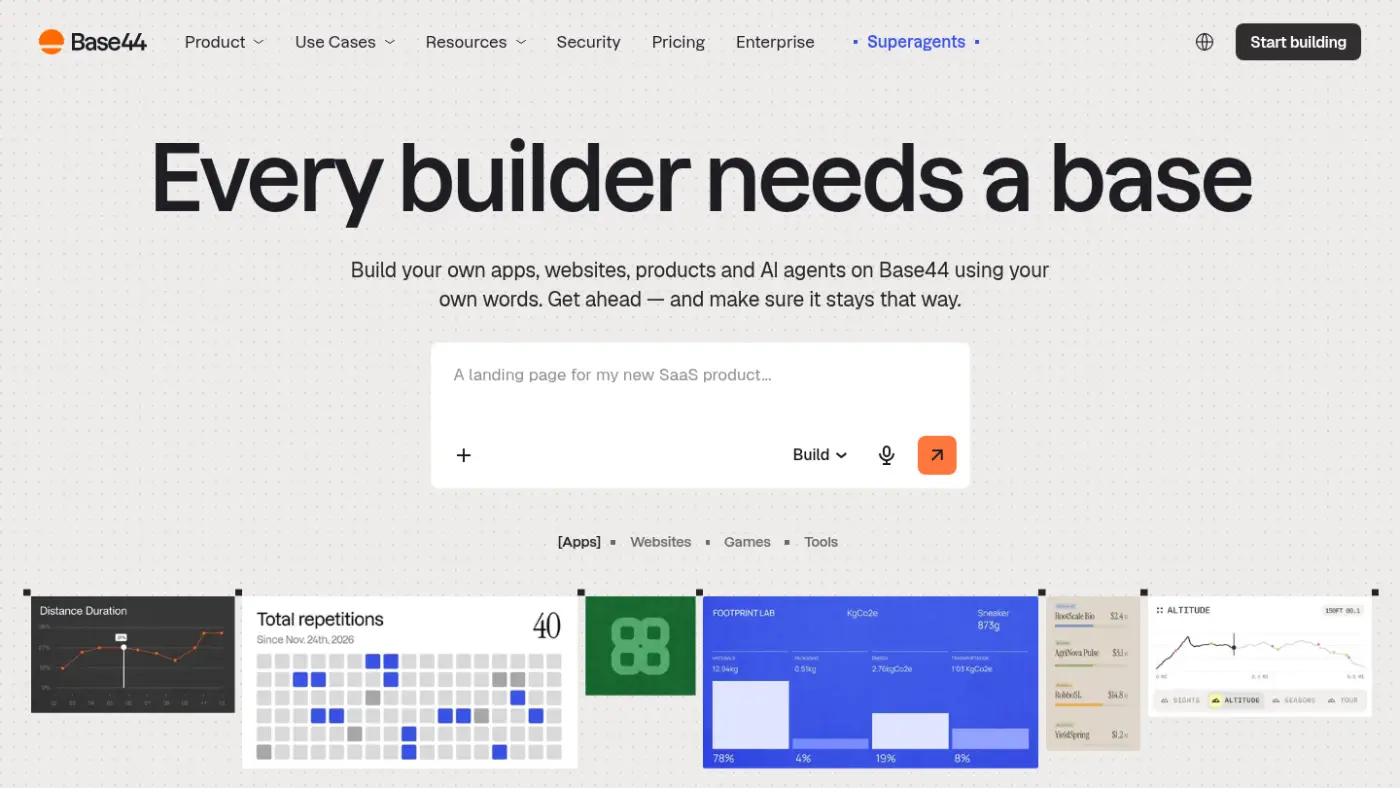
Base44 is very good at making an idea tangible quickly, particularly for internal tools and straightforward workflows. Its built-in backend, hosting and newer GitHub options mean it can produce more than a clickable mock-up.
The boundary appears when the product becomes complicated. Public user reports mention regressions, integration limits and increasing dependence on the platform as projects grow.
I think it is a strong prototype and internal-tool choice, but I would export early if the product could become commercially important.
The short version
- For the fastest connected web-app prototype, start with Lovable or Bolt.
- For one place to build, run and debug everything, try Replit Agent.
- If the interface is the main unknown, start with v0.
- For a more involved end-to-end experiment, try Emergent.
- For an internal tool or straightforward workflow, Base44 is a sensible first stop.
Whichever platform you choose, connect source control early, avoid real customer data and test the workflows that would matter if another person depended on them.
The platforms change quickly, so check their current pricing, export, hosting and data terms before committing anything important.
Do not underestimate token burn
Clients have already raised this with me. A build can look remarkably cost-effective at the beginning, then become expensive once the product enters repeated build, test and fix loops. The subscription price is only the starting allowance. The more useful question is how much usage each meaningful change consumes.
Token burn is shorthand for the way usage adds up while an AI platform reads the project, thinks through the request, generates or rewrites code, uses tools and tries again. You are not paying only for the lines of code that survive. Depending on the platform, usage can also include:
- Reading source files and previous chat history
- Exploring the codebase before making a change
- Planning and additional agent research
- Browser checks, web searches and media generation
- Debugging a failed attempt or repairing a regression
- Hosting, database activity and AI features used by the live app
Each platform packages the cost differently, but the pattern is the same. Bolt says larger projects use more tokens per message because more project files must be read, understood and synchronised. v0 counts chat history and source files as input. Replit prices paid Agent work by effort, based on the complexity of the request.
Lovable measures this in credits rather than showing you a raw token count. Its credits and usage documentation says Build mode cost depends on the complexity and work discovered during execution, including codebase exploration and tool use. Planning, media generation, hosting and AI features in the deployed product can also draw from the credit balance.
“Lovable does not show an upfront credit estimate before a Build mode request runs.”
That unpredictability is what catches people out. A June 2026 G2 reviewer described the same experience from the user side: “Credits can disappear pretty quickly, especially when I’m iterating on designs, making several refinements, or trying out different approaches.” This is one person’s experience, not a universal cost estimate, but it matches what clients have been telling us. Read the full G2 review.
That does not make these tools poor value. It means credits need to be treated as a real project cost. Connect source control early, make one bounded change at a time, define what success looks like before sending the prompt and watch the usage dashboard while work is running. If the agent enters a loop, stop and inspect the cause rather than paying for another vague “try again”.
Most importantly, separate prototype exploration from production engineering. A cheap first version has still done valuable work if it helps you prove the idea. It becomes expensive when you keep paying an increasingly unpredictable system to work around architecture that should now be reviewed properly.
The first 80% is now easy. The final 20% is the product.
My rough rule is that vibe-coding platforms can now get almost anyone 60 to 80% of the way towards an application.
That is a huge change, and it is a good one. A founder can turn an idea into screens, working journeys, authentication, a database and even a live product without waiting months or raising a large development budget.
But the final stretch is not simply polish. It is where the product either becomes dependable or starts falling apart.
The first version normally demonstrates the happy path: a user signs up, enters some information and receives the intended result. A product that is ready to launch must also handle everything that happens around that journey:
- What happens when someone enters incomplete or unexpected information?
- Can one user see or change another user’s data?
- Can people recover when they make a mistake?
- Does the interface still make sense on a phone, with a slower connection or using assistive technology?
- What happens when an integration fails halfway through an important action?
- Can the team understand, support and safely change the product six months later?
This is where 20 years of product experience starts to matter.
User journeys need more than working screens
A generated interface can look excellent while still creating a poor journey.
Good UX comes from understanding what the user is trying to achieve, what they know at each stage and where they are likely to hesitate or abandon the process. It includes onboarding, navigation, validation, empty states, error recovery, accessibility and the small pieces of feedback that tell someone whether an action worked.
These decisions are difficult to judge from a prompt because the model does not know your customers. It can generate a plausible journey, but someone still needs to test whether it is the right journey.
Data architecture becomes difficult very quickly
Sample data is forgiving. Real data is not.
Once a product has different user roles, private records, payments, reporting, integrations or years of history, the underlying architecture matters as much as the interface.
Someone needs to decide:
- How the data relates and changes over time
- Which users can read, create, update or remove it
- How duplication and conflicting updates are handled
- How the system performs as the number of records grows
- What gets logged, backed up, retained or deleted
- How future features can be added without rebuilding everything underneath them
A database that works with 20 sample records is not proof that the architecture will work with 20,000 customers.
QA is not one final check
Testing a generated app by clicking through it once is not a QA process.
Our product work combines several levels of testing:
- Unit tests for calculations, rules and individual behaviours
- Integration tests for databases, APIs and connected services
- End-to-end tests covering complete customer journeys
- Security and permissions checks
- Independent review of changes
- Human testing on real screens and devices
- Release gates that stop failed work reaching production
On one current multi-app platform, our release evidence contains more than 1,000 passing unit tests across four applications. Other Code23 products contain hundreds more.
The number itself is not the point. Tests preserve decisions. Every time the product changes, they check that permissions, calculations, workflows and earlier fixes still behave as expected.
Automated tests do not replace people either. Someone still needs to use the product as a customer would, challenge confusing journeys and notice when something technically correct feels completely wrong.
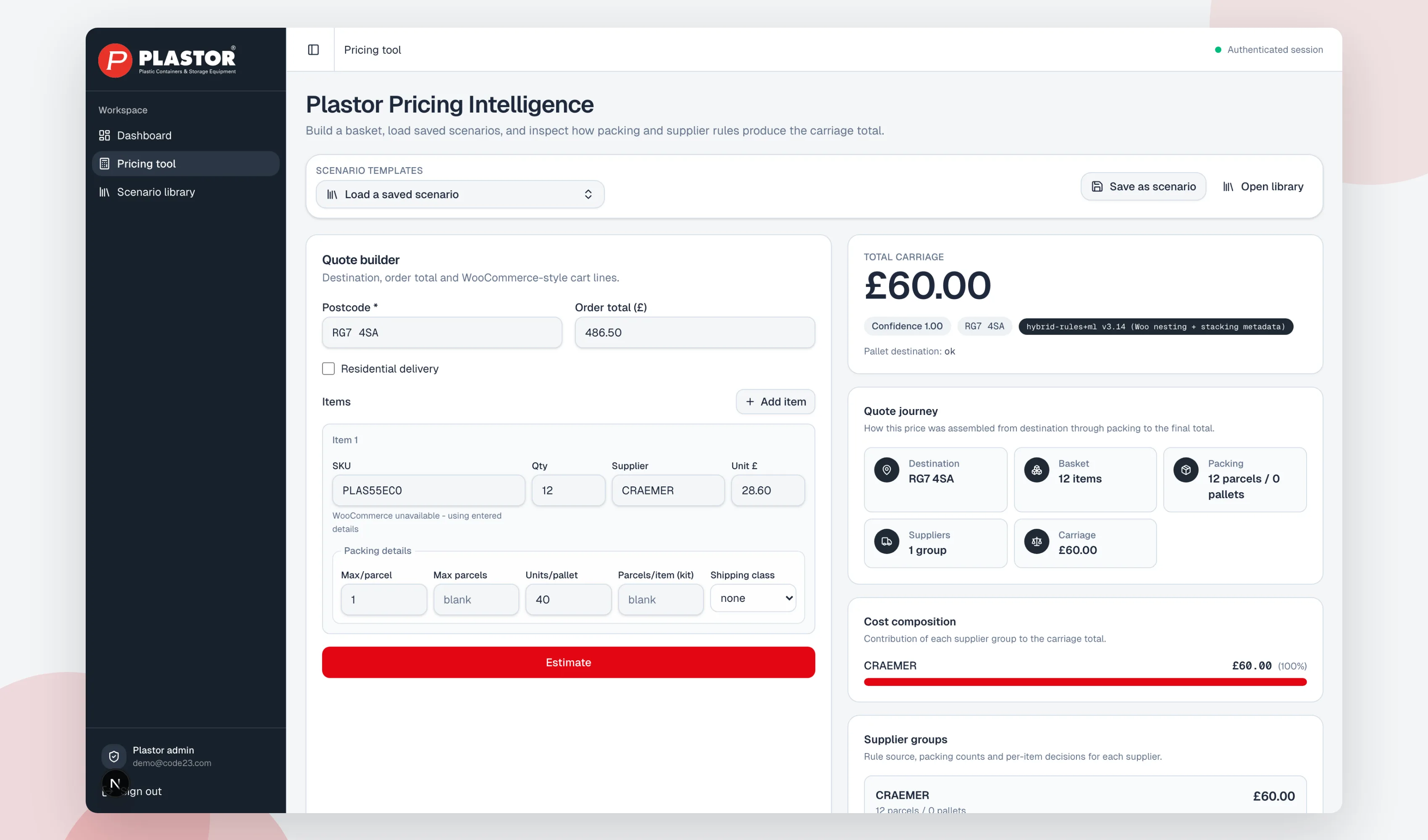
Scalability is where shortcuts become expensive
Vibe-coded products often feel quickest at the beginning and slowest near the end.
Each new prompt changes code that previous prompts created. The model may fix one journey while breaking another, duplicate logic rather than understand the existing architecture or make a local decision without seeing its wider consequences.
That does not mean the generated work should be discarded. It means the working method needs to change.
Keep the useful prototype. Keep the screens, journeys and code that stand up to inspection. Then bring product thinking, engineering, data architecture, security and proper QA around it.
Getting to 80% is no longer the difficult part. Knowing what the final 20% needs to contain, and making sure it continues working when real people depend on it, is where the product is built.
What should a founder build first?
Build the smallest artefact that tests your biggest uncertainty.
If the uncertainty is whether people understand the product, build the primary journey and put it in front of representative users. If the uncertainty is whether a difficult integration or AI result is feasible, isolate that technical question in a proof of concept. If the uncertainty is whether people will sign up, pay or come back, you need a viable release that can observe real behaviour.
Our prototype vs MVP guide explains those three choices in detail. The short version is:
- A prototype tests understanding and interaction.
- A proof of concept tests technical feasibility.
- An MVP tests real customer behaviour.
A beautiful dashboard is not evidence that customers want the service. A working integration is not evidence that they understand the product. A waiting list is not evidence that they will pay. Decide what you need to learn before you decide what the AI should build.
What to include in a useful handover
You do not need to tidy everything before speaking to an engineering team. Bring the rough edges. They are often where the important questions live.
A useful handover includes:
- A link to the running prototype
- Repository access, if code has been exported
- The prompts, notes or product brief that shaped it
- The customer problem in plain English
- The main user types and what each one needs to do
- Any feedback from people who have tried it
- The services, accounts and integrations already connected
- Known problems and the parts you do not trust
- The decision you need the next release to support
Do not paste live customer data, private keys or production credentials into a handover document. Rotate any secrets that may have entered prompts or a public repository. Make the engineering team prove what it has inspected rather than accepting a broad “we reviewed the code” statement.
What a production-readiness audit should answer
The first engineering pass should not begin by throwing the prototype away. It should produce a clear retain, refactor or rebuild decision for each important part.
At minimum, check:
- Product: Does the primary workflow solve the intended problem, and what evidence supports it?
- Architecture: Can the current structure support the next known stage without turning every change into a workaround?
- Authentication and permissions: Can one user see or change another user’s data? Are roles enforced on the server, not only hidden in the interface?
- Data: Is personal or confidential information collected deliberately, stored in the right place and removed when it should be?
- Secrets: Have API keys or service credentials reached browser code, prompts, logs or version history?
- Payments and costly actions: Are totals, webhooks, retries, limits and approval points handled safely?
- Dependencies: Are packages maintained, licensed appropriately and free from known critical vulnerabilities?
- Quality: Do automated tests cover the important journeys and failure cases?
- Accessibility and performance: Can people use the product, and does it remain usable on real devices and slower connections?
- Operations: Are monitoring, backups, recovery, support ownership and release steps defined?
A generated codebase may pass many of these checks. If it does, keep it. Generated code is not automatically poor code. The issue is unverified code, unclear decisions and risk that nobody owns.
When should you stop vibe coding on your own?
There is no universal line, but there are clear signals:
- Real customer or employee data is entering the system
- Users have different roles, permissions or confidential records
- Money moves, usage creates material cost, or mistakes affect customers
- Several external services must stay in sync
- The product needs reliable releases rather than one successful demo
- You cannot explain what changed or recover the last working version
- Every new prompt fixes one thing and breaks another
- A customer, investor or partner needs evidence on security and ownership
That does not mean you stop using AI. It means the working method changes. AI can continue writing a large share of the code, research and tests. The difference is that an engineering process now owns the decisions, checks and release.
We call that orchestrated AI engineering. Multiple agents can research, build, test and review in parallel, but they work inside source control, defined roles and release gates. A model does not get to approve its own answer simply because it produced a confident one.
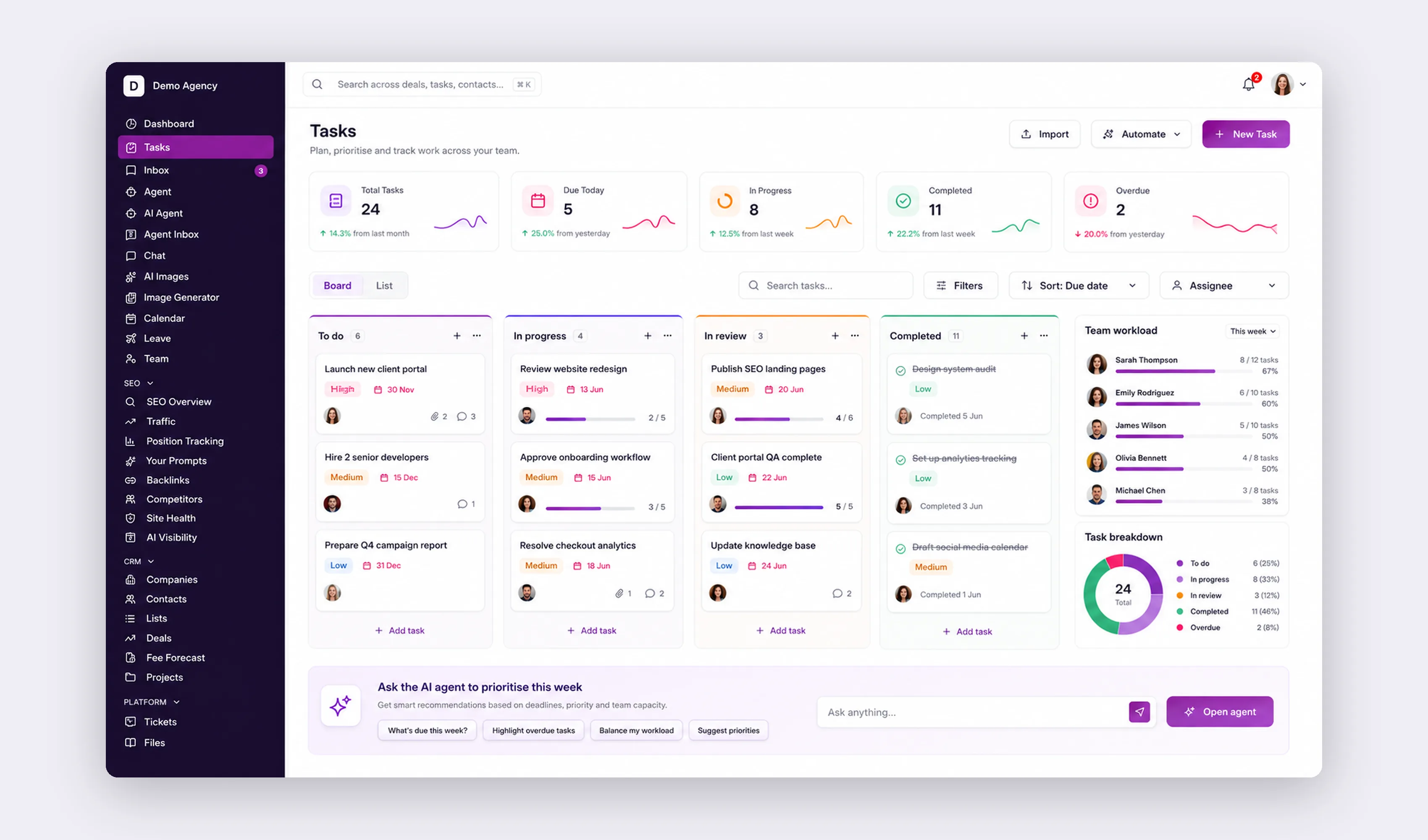
How Code23 receives a vibe-coded brief
Bring us the product exactly as it is. We will not make you rewrite it as a conventional agency specification before we can talk.
We start by understanding the outcome and the evidence you already have. Then we walk through the product, challenge what needs challenging and inspect the implementation. The output is a practical route to the first production release, including what to retain, what to refactor, what to rebuild and what not to build yet.
For a working product, start with our Vibe Coding Cleanup service. Start by sending us a short enquiry. Where useful, we follow with a paid Production Readiness Assessment. For an early idea, our Discovery Sprint is currently £750 to £1,500 and is credited towards the build if you continue. If the wider question is how your company should adopt AI across people, processes, tools and data, our AI Implementation Workshop produces a written 90-day plan rather than forcing everything into a software project.
"We have been working with James and the team at Code 23 for about 18 months now on a lengthy and sometimes complicated app development. At all times we have found Code 23 to be calm, competent, and their advice has been invaluable. The app is now live and we are extremely pleased with the results and are happy to continue our relationship with Code 23 for enhancements and hosting."
FAQ
Is vibe coding only for non-technical founders?
No. Experienced engineers use it to explore ideas and learn how models behave. The difference is that they are usually better placed to spot unsafe assumptions, inspect the code and know when the experiment needs a more controlled process.
Can I launch a vibe-coded app?
Yes. Some code may be sound enough to retain. The decision should follow an audit of product fit, architecture, permissions, data handling, dependencies, tests and operations. Do not rebuild everything by reflex, and do not ship everything by default.
Do I own the code?
That depends on the platform, plan, connected services and repository setup. Prefer a private repository you control, check the platform’s current terms and document every external dependency. GitHub export is useful, but owning a copy of the files is not the same as having a product your team can operate.
Is a vibe-coded app an MVP?
Only if real users can receive the intended outcome and you can observe meaningful behaviour. A clickable or runnable demonstration is usually a prototype, even when it looks polished.
Should I choose the platform an agency prefers?
Choose the tool that helps you express and test the idea. A capable engineering team should be able to assess the output without insisting that every founder used its preferred tool. The long-term technology decision can come after the product risk is clearer.
What are the top vibe coding platforms right now?
It depends on what you’re testing. Lovable and Bolt support connected web-app workflows; Replit Agent combines building, debugging and deployment; v0 is oriented towards UI-led and Next.js work; Emergent supports web and mobile proofs of concept; and Base44 targets rapid app and internal-tool creation. Choose against the exact workflow, export path and current plan limits rather than treating this as a permanent ranking.
What’s the best vibe coding setup for a founder?
Connect the platform to GitHub from your first prompt, so nothing important only exists inside the tool. Keep real customer data out until it’s had a proper review. Make one bounded change at a time and watch the usage dashboard while it runs. Decide what you need to learn before you decide what the AI should build, then bring in an engineering review before real customers depend on it.
Is Claude, GPT or Gemini better for vibe coding?
The model behind a platform matters less than what surrounds it. Safe launch depends on independent testing and review, server-side authorisation, data handling, dependency management, monitoring and an accountable release process; the model badge alone is not evidence. Judge the platform’s engineering discipline, not which model badge it’s using this month.
Sources
- Simon Willison: Not all AI-assisted programming is vibe coding (19 March 2025)
- Lovable documentation: Connect your project to GitHub
- Lovable documentation: Supabase integration
- Lovable documentation: Credits and usage
- Lovable documentation: Build mode pricing
- G2: Lovable review discussing credit usage (2 June 2026)
- Bolt documentation: Introduction to Bolt
- Bolt documentation: Database
- Bolt documentation: Token costs
- Replit documentation: Build with Agent
- Replit documentation: AI billing
- v0 documentation: Full-stack apps
- v0 documentation: GitHub workflow
- v0 documentation: Credits, tokens and pricing
- Emergent documentation: Features and tools
- Base44 documentation: Quick start guide
- Base44 documentation: Developer tools
Next step
Do not rebuild your brief as a deck. Show us the prototype through our Vibe Coding Cleanup service, together with the repository and what you have learned so far.
We will help you turn it into a clearer product decision and, when the evidence supports it, a production release. We’ve helped 50+ businesses implement AI, on top of the production engineering behind every case study named above.
Bring us what you've built
Turn your vibe-coded app into a product that's ready to launch.
We'll review the product, code, security and testing, then tell you what can stay, what needs fixing and what should be rebuilt.


