The 10 Most Important Deliverables from a UX Workshop
The most important UX workshop deliverables are personas, journey maps, wireframes and prioritised requirements that turn research into build-ready decisions your team can ship against.
What are the most important deliverables from a UX workshop? The ones that turn opinions into decisions: personas built from real users, journey maps that show where people get stuck, wireframes and prototypes your team can test before a line of code is written, and a prioritised requirements list everyone has agreed to. Code23 has run UX workshops since 2005, and the workshops that pay off leave you with build-ready decisions, not just slide decks. A discovery workshop settles who you're designing for before you start; product design turns the ten deliverables below into interfaces people actually use. Here's what each one gives you and why it matters before you commit to a build. Skip these steps and you find out what users actually need only after launch, when it costs far more to fix.
Contents
- 1. Definition of Goals and Technical Specifications
- 2. User Personas
- 3. Competitor Analysis
- 4. Information Architecture and Sitemap
- 5. User Journeys and User Flows
- 6. Wireframes
- 7. High Fidelity Designs
- 8. Interactive Prototypes
- 9. User Testing
- 10. Specifications and Style Guides
1. Definition of Goals and Technical Specifications
One of the first steps in the UX design process is understanding the product vision. This should be no more than a couple of pages and should include the challenge that is being solved, the solution, and an outline of the target audience. It should also detail the platforms and technologies that will be used to deliver the product, covering the what, why and how.
2. User Personas
A user persona is a fictional description of your typical user. User personas are used to pin down the demographics, behaviours, and pain points of your target users.
Although a persona summarises the information into a realistic description of a single user, it represents a much larger group of users. User personas give you a clear picture of who your users are and how they behave. In other words, you can make UX design choices based on user data rather than gut feeling or personal preference.
3. Competitor Analysis
Competitor analysis identifies your competitors and compares their strategies, strengths and weaknesses with your own product or service.
Competitor analysis helps assess market fit, differentiation and UX opportunities; it cannot guarantee them. As part of the UX discovery workshop, it's a useful input alongside the work of building real advantage over competitors.
4. Information Architecture and Sitemap
Another of the UX workshop activities to be undertaken will be the creation of a sitemap. This is a visual representation of the structure and information contained within the digital product.
The sitemap is one of the fundamental deliverables of the UX process and helps organise the information architecture, such as the navigation. The sitemap will evolve during the UX research, prototyping and user testing, whilst acting as a reference throughout the iterative process.
5. User Journeys and User Flows
A user flow is a visual diagram that depicts the steps a user will take when interacting with your product. There will be multiple user flows, which will illustrate the different journeys and ways in which the user will engage with your user interface. These journeys will start when the user enters your product all the way through to the final action they take. Having a visual overview of this journey enables the design team to optimise for better conversion rates.
6. Wireframes
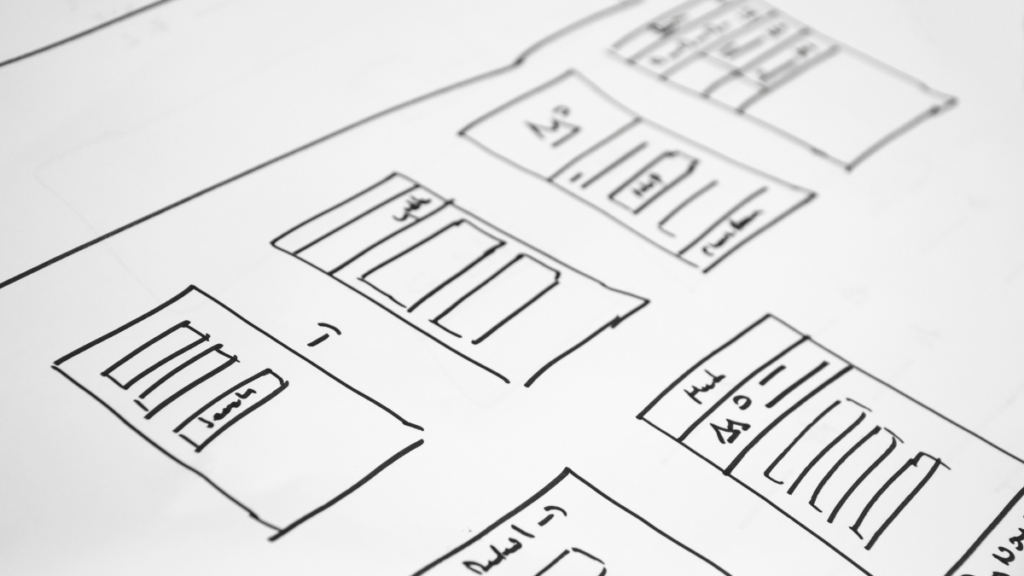
When you think of the term user experience you will likely envisage illustrative wireframes. They are a staple of the UX design methodology and are an early design layout to help define the positioning of content, functionalities and intended user behaviours.
Wireframing is a great way to explore concepts and innovative ideas that meet your users' goals. They are often provided as low-fidelity (black and white boxes with no styling) but can also be high-fidelity (fully styled with colour and detail).
7. High Fidelity Designs
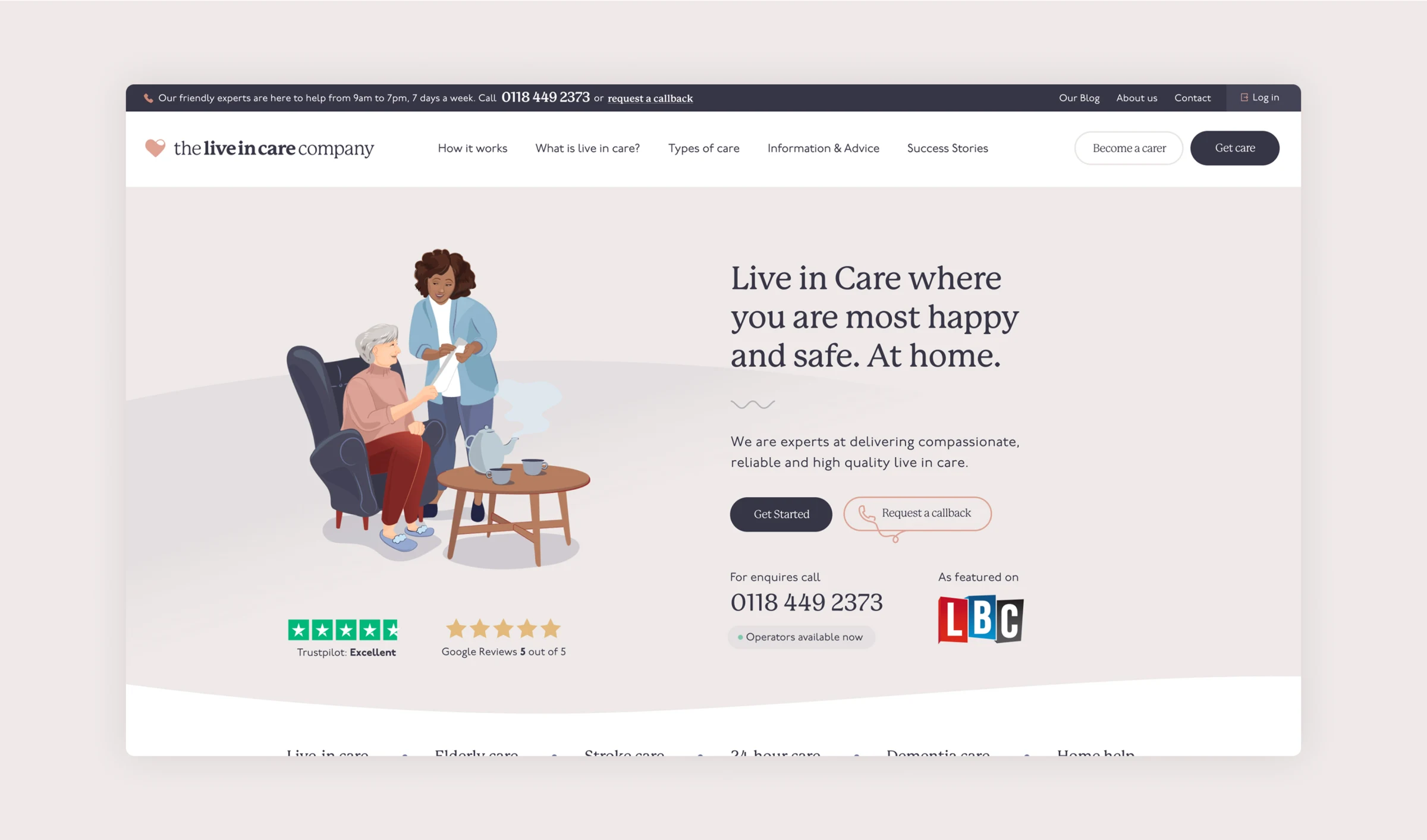
High-fidelity visuals give you a better understanding of what the final product will look like. An interactive high-fidelity prototype can test your user journeys; a static high-fidelity visual primarily tests appearance and content.
Since they closely replicate the final product, they are often used to demonstrate the product to stakeholders or investors, or to collect early user feedback.
"Code23 have most definitely got the 'WOW' factor. Eye catching design, superb user experience and extremely well project managed end-to-end. It was hassle free and the end result is far better than we ever imagined. I can't recommend enough."
8. Interactive Prototypes
An interactive prototype is an early iteration of your digital product. Its purpose is to breathe life into your product and give you the opportunity to test how it will look and more importantly how it will work. This is the ideal time to identify anything that needs tweaking before development starts. For more insights about interactive prototypes read our guide to low-fidelity vs. high-fidelity prototypes.
9. User Testing
User testing can be undertaken at various stages of the UX process, but is typically most valuable once you have a clickable prototype or minimum viable product available. For the best results, one-to-one user observations are favourable as they give you the chance to learn the thought processes behind the user behaviour.
Usability testing will help identify whether your target users are able to use your product and will uncover challenges they are having with specific user interface UI design.
Once you have launched your product you will be able to start gathering more data on a large scale and tweak your product accordingly.
10. Specifications and Style Guides
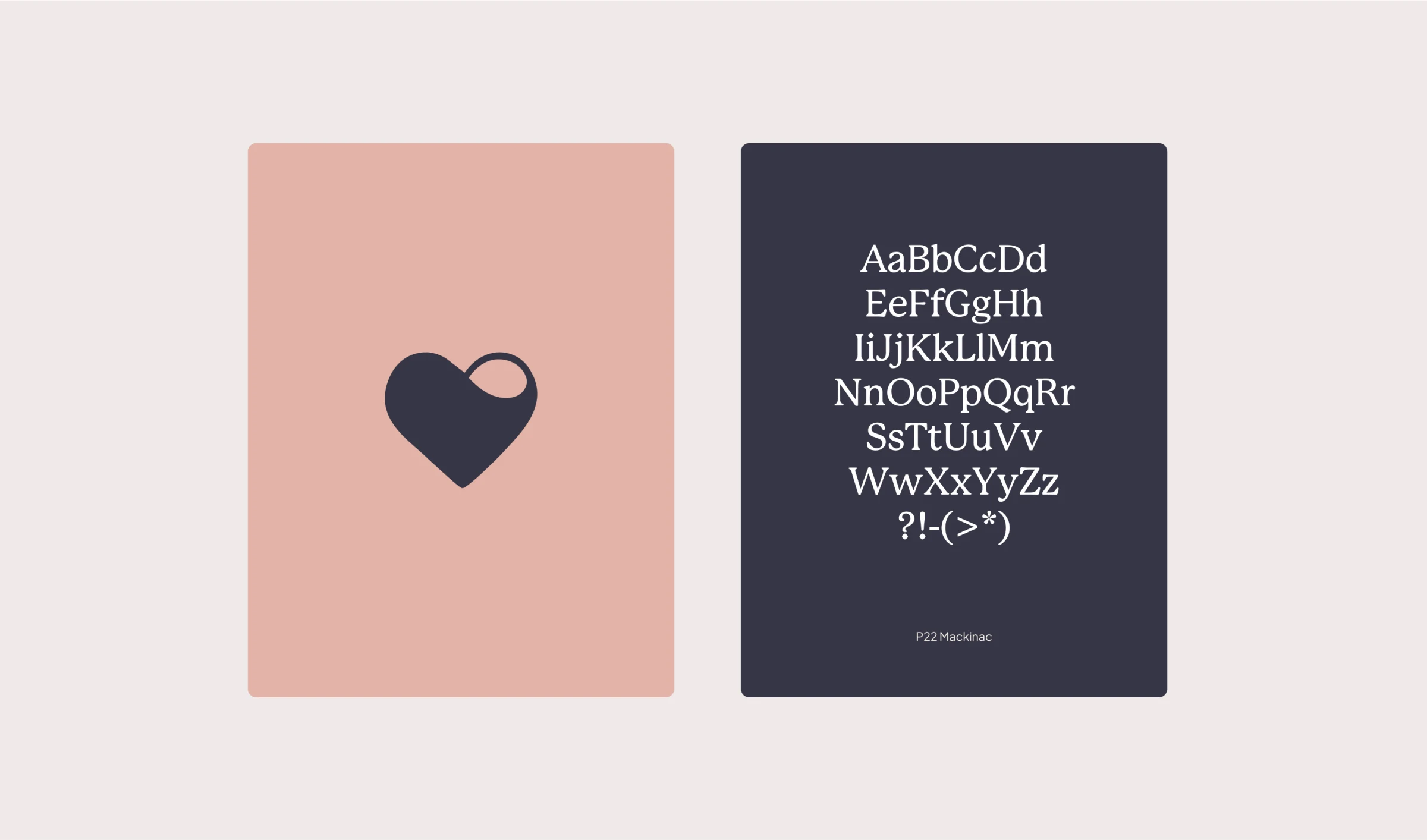
The final step in the UX design process is packaging up the specifications and style guides for the development team. Style guides are used to ensure consistent branding, colour ways, fonts, typography and visual styling. They are also important for design patterns, language and rules as well as detailing UI behaviours, such as error handling.
Frequently asked questions
What deliverables should I expect from a UX workshop?
You should expect a shared problem statement, user personas, journey maps or flows, information architecture, wireframes and a prioritised requirements list the build team can work from. High-fidelity designs, prototypes and style guides often follow once the structural decisions are agreed. The exact pack depends on scope, but every workshop should leave you with decisions you can ship against, not just slide decks.
How long does a UX workshop take?
Most focused UX workshops run from a half day to a few days, with research and documentation continuing afterwards. Complex products may need several sessions across discovery, flows and validation. Time spent aligning early usually costs less than rework mid-build.
Do I need a discovery workshop before UX design?
Yes, if stakeholders are not yet aligned on users, problem, scope and success criteria. A discovery workshop settles those questions so UX time goes into the right journeys rather than debating fundamentals. If discovery is already solid, you can move straight into the core UX deliverables.
What happens after the UX deliverables are ready?
They feed detailed design, prototyping, user testing and then development. Specs and style guides hand the agreed behaviours to engineers so the build matches the research. For how those stages fit together, see the UX design process.
The UX and UI design team at Code23 have been crafting digital products since 2005, grounded in how people actually behave online. Our product design work turns workshop outputs into engaging, user-centred experiences your audience will use.
What are UX research deliverables?
These come from the discovery and research phase, before any design work starts: user personas built from real research, journey maps showing where people get stuck, competitor analysis and the information architecture that shapes navigation. They tell you who you’re designing for and what problem you’re actually solving, so the wireframes and prototypes that follow are built on evidence rather than assumption.
What are UX design deliverables, as opposed to research?
Design deliverables turn research into something you can look at and test: wireframes, high fidelity designs, interactive prototypes and the specifications and style guides a development team builds from. They come after the research deliverables, not instead of them. Skip straight to wireframes and you’re designing against guesses instead of what your users actually need.
Do you need all 10 UX deliverables for every project?
No. A small site might need personas, a sitemap and wireframes and nothing more. A complex product with several user types usually needs the full set, including prototypes and user testing, because there’s more that can go wrong before build. We scope the deliverables to the project in the workshop itself, not before it.
Next step
If you’re heading into a UX workshop, don’t settle for a slide deck. Insist on personas built from real research, a journey map that shows where people get stuck, and wireframes or a prototype your team can test before you commit to a build.
Code23 has been designing and building digital products since 2005, across 350+ projects. We know which of these ten deliverables a project actually needs, and which ones are safe to skip.
Design the product
Make the product easier to use before you build it.
We’ll turn the key journeys into a testable prototype, remove friction and give the build team a clear product direction.


