Low Fidelity vs High Fidelity Prototypes
The difference between low and high fidelity prototypes, when to use each one, and how Code23 uses both to test an idea before you build it.
What's the difference between a low-fidelity and a high-fidelity prototype? A low-fidelity prototype is a rough, disposable sketch or wireframe that tests an idea before anyone touches code, cheap to bin if it's wrong. A high-fidelity prototype looks and behaves like the finished product: real layout, real copy, working screens, built to test the details, get stakeholder approval or show investors what they'd be funding.
At Code23 we start with the lowest fidelity that answers the current design question. That often means low fidelity first and high fidelity later, but not every project needs both.
Contents
- What is a prototype?
- What is design fidelity?
- Low fidelity prototypes
- Three benefits of low-fidelity prototypes
- High-fidelity prototypes
- Three benefits of high-fidelity prototypes
- What’s best for your project?
- For prototypes high or low, say hello!

What is a prototype?
According to Adobe1, prototyping lets designers ‘present their designs and see them in action.’ From a product-owner point of view, it’s your opportunity to see the first version of your website, platform or app. So you get an idea of how it will function and look.
It’s not the final product or even the final blueprint. It’s an initial mockup. 'Prototype' comes from the Greek for 'first form' – designed to give you a proof of concept.
A prototype is a vital part of the design process. It’s a quick and easy way to test, get feedback, amend, add and remove features, agree upon the end product specification, and pull together a development timeline for the project.
What is design fidelity?
Design fidelity refers to the amount of detail included in a prototype. As a general rule, the more detail included and the more it resembles the end design, the higher the fidelity.
- A hand-drawn sketch of a product would fall into the low-fidelity category
- A digital rendering of a product that includes full functionality and interactive elements that mirror the user experience would fall into the high-fidelity category
To look at it another way, if ‘low-fidelity’ was a steak, it would be rare to medium-rare. If ‘high-fidelity’ was a steak, it would be medium to well-done. Sauces, such as Béarnaise (our personal favourite), are optional.

Low-fidelity prototypes
Low-fidelity prototypes are traditionally simple, early stage, and put-your-ideas-down-on-paper visualisations of how a user would navigate through your site or app. That’s why they tend to be paper-based mock-ups.
As they’re relatively quick to create and easy to amend, they’re good for the early stages of gathering feedback. We find that people are more likely to request amendments when the design doesn’t seem set in stone.
They don’t have to be hand-drawn sketches though. Digital prototypes are the computer-based equivalent. Again, they’re simple renderings, usually in black and white. They focus on the structure of your project architecture, rather than the design, with some basic functionality laid out using hyperlinked wireframes.
Three benefits of low-fidelity prototypes
- They are quick to draw, easy to amend and relatively low-cost, so you can test a new site, app or feature before development starts.
- They allow for everyone involved in the project – including customers and prospects – to get an early understanding of how it could work and contribute their ideas to the final design
- Stripping the project down to its essence helps keep the focus on the validity of the concept itself, rather than the design or technical aspects which can be finalised later in the process

High-fidelity prototypes
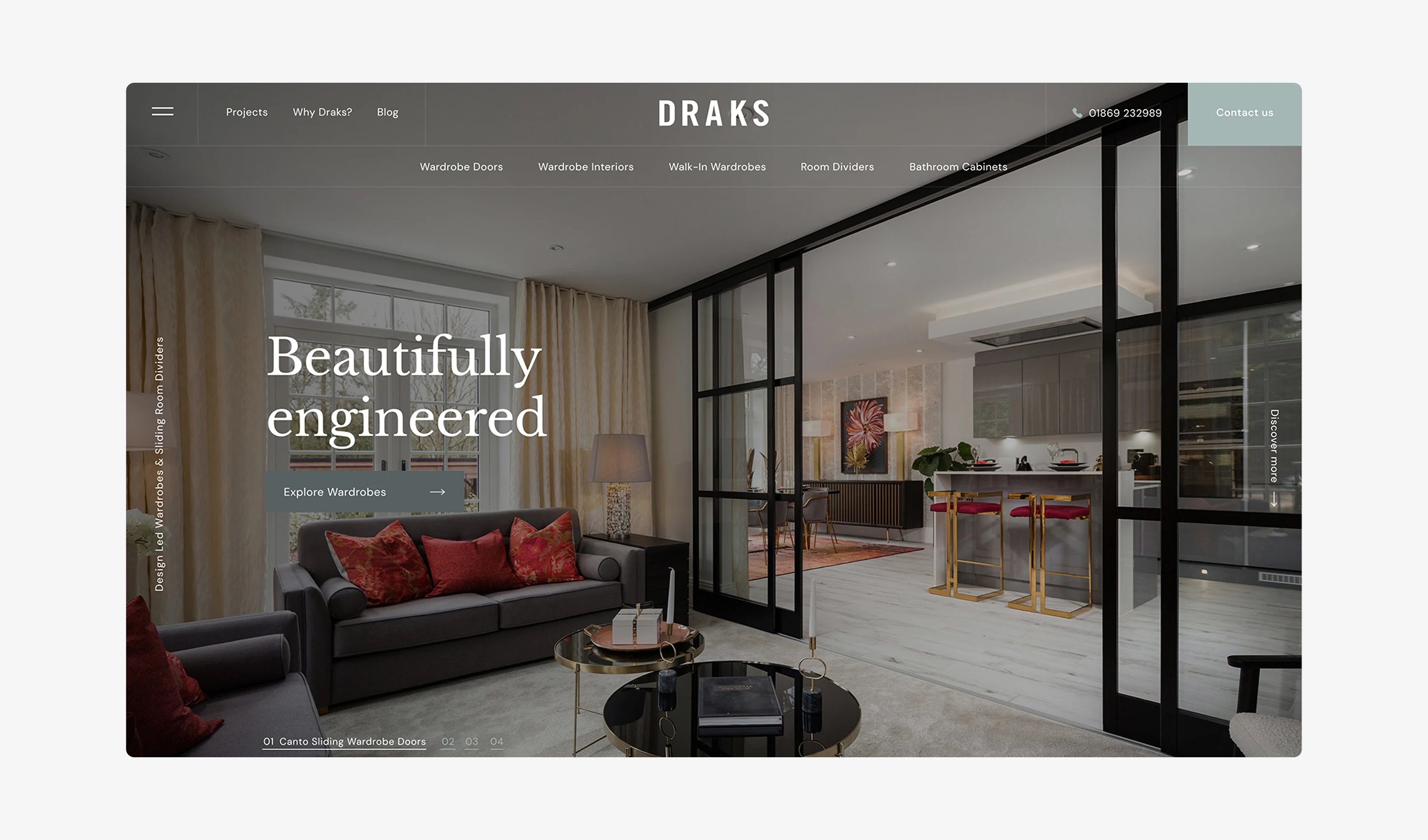
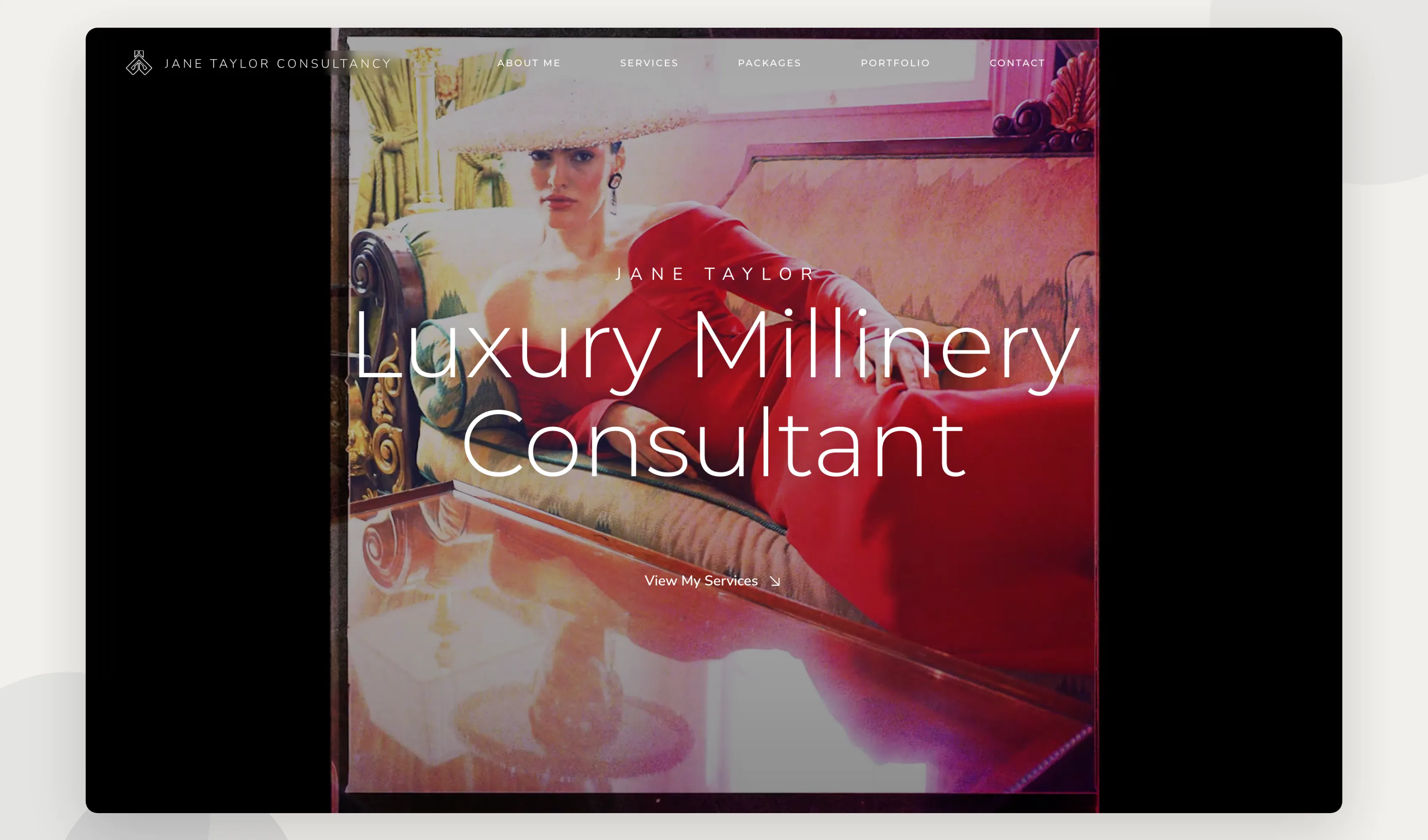
High-fidelity prototypes give you an understanding of what the finished product will look like and how it will work. They are usually high quality, computer-based, and interactive so you can test drive the functionality and user journey.
As they closely replicate the final product with screen transitions and design features in place, they are often used to demonstrate the product to stakeholders or investors, or to collect early user feedback on how easy it is to navigate.
Three benefits of high-fidelity prototypes
- They are particularly useful for gathering feedback (or buy-in) from stakeholders who aren’t technical and may not be able to visualise or comprehend the end product from a wireframe design
- From a visual and usability perspective they feel ‘real’ to users. This means they are more intuitive to test and the user feedback will be close to the ‘real’ experience of using the product at launch
- As they’re highly detailed prototypes, you can choose to test individual areas or particular functionality (such as menus or input fields) and use the feedback to shape the final developed product
"Joe and the team at code23 have done a fantastic job helping us design and build our new website. I feel they really captured the quality of the Draks brand. Would highly recommend."
What’s best for your project?
There’s no one-size-fits-all answer. Depending on your budget and timeframe, both low-fidelity and high-fidelity prototypes will inform the overall development process for your project.
As discussed above, the usual routine is for low-fidelity prototypes to be drawn up in the early stages of a project as they give you the opportunity to explore the proof of concept and early-stage ideas for functionality and design.

The feedback gathered from the low-fidelity prototype then informs the rest of the development process, which can include the creation of a high-fidelity prototype.
Then, any feedback or user data collected from high-fidelity testing can be used to finalise the product for launch.
So ideally, unless you’re up against it from a time perspective, it’s not a case of either-or: both can be useful, so choose the lowest fidelity that answers the current design question, then increase fidelity only when the risk justifies it.
For prototypes high or low, say hello!
As specialists in web design, mobile apps, and custom software we’d love to help bring your idea to life as a low-fidelity prototype, high-fidelity prototype, and launched product.
You can check out our guide to how to turn your idea into a successful digital product.

Frequently asked questions
What is a high-fidelity prototype?
A high-fidelity prototype looks and works like the finished product: real layout, real copy, clickable screens and the actual user journey, minus the working back end. It’s what you show stakeholders, investors or test users when you need their reaction to the real thing, not an idea of it. We build these once the concept from a low-fidelity sketch has already been tested and agreed.
What is low-fidelity prototype testing?
Low-fidelity prototype testing means putting a rough sketch, wireframe or paper mock-up in front of real people before anything is built. You’re testing whether the idea and the flow make sense, not whether the buttons look right. It’s fast, cheap to change, and the quickest way to find out you’re solving the wrong problem before you’ve spent a penny on development.
Are there medium-fidelity prototypes?
Yes. A medium-fidelity prototype sits between the two: proper wireframes with real layout and navigation, but without finished visuals, colour or copy. It’s useful once you’ve validated the concept and need to test structure and flow before committing design time. Not every project needs this middle step, and we’ll tell you straight if it’s worth the extra round.
Why choose a high-fidelity prototype over a low-fidelity one?
Choose high fidelity when the idea itself isn’t in question any more and what you need feedback on is the detail: does this screen feel right, can people actually use it, will an investor or stakeholder back it. Low fidelity is for testing ideas cheaply. High fidelity is for testing execution, and it costs more time to build and change.
References
- https://blog.adobe.com/en/publish/2017/11/29/prototyping-difference-low-fidelity-high-fidelity-prototypes-use
- https://www.justinmind.com/blog/low-fidelity-vs-high-fidelity-wireframing-is-paper-dead/
Next step
If you’re not sure whether your idea needs a rough sketch or a working prototype, start with the lowest fidelity that answers the current design question, then add detail only when the risk justifies it. Test the idea cheaply before anyone commits to a fully designed build.
We design and build prototypes at both ends of that scale: quick low-fidelity wireframes to test an idea with real people, and high-fidelity, near-finished builds to test with stakeholders, investors or your own team before development starts. We’ve done this across 350+ projects since 2005, so we know when a sketch is enough and when it isn’t.
Tell us where your idea is right now and we’ll tell you straight what kind of prototype it needs next.
Design the product
Make the product easier to use before you build it.
We’ll turn the key journeys into a testable prototype, remove friction and give the build team a clear product direction.


