What Is eLearning & What Are the Benefits?
Explore how eLearning platforms support flexible, scalable education, the benefits for learners and organisations, and what to consider before choosing one.
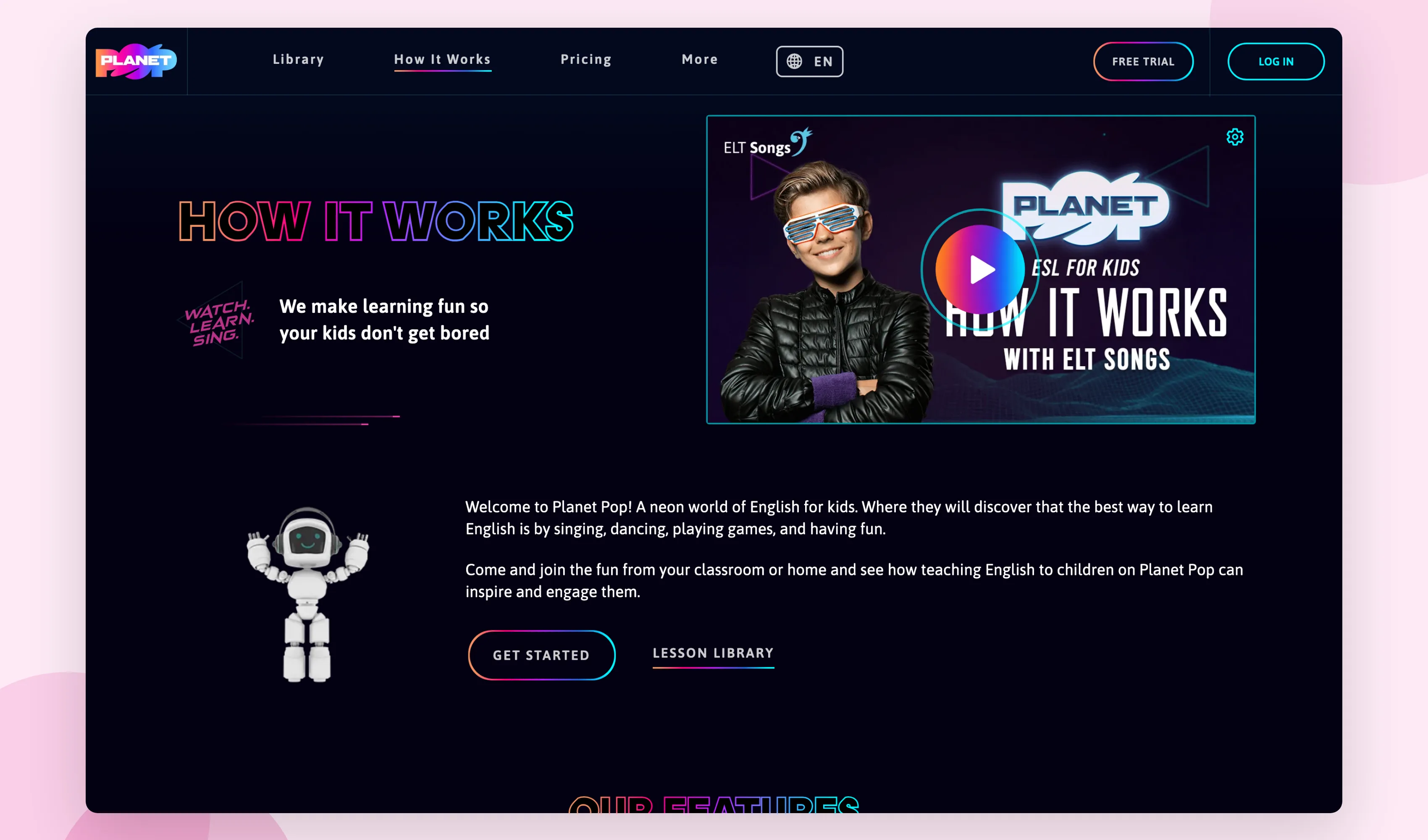
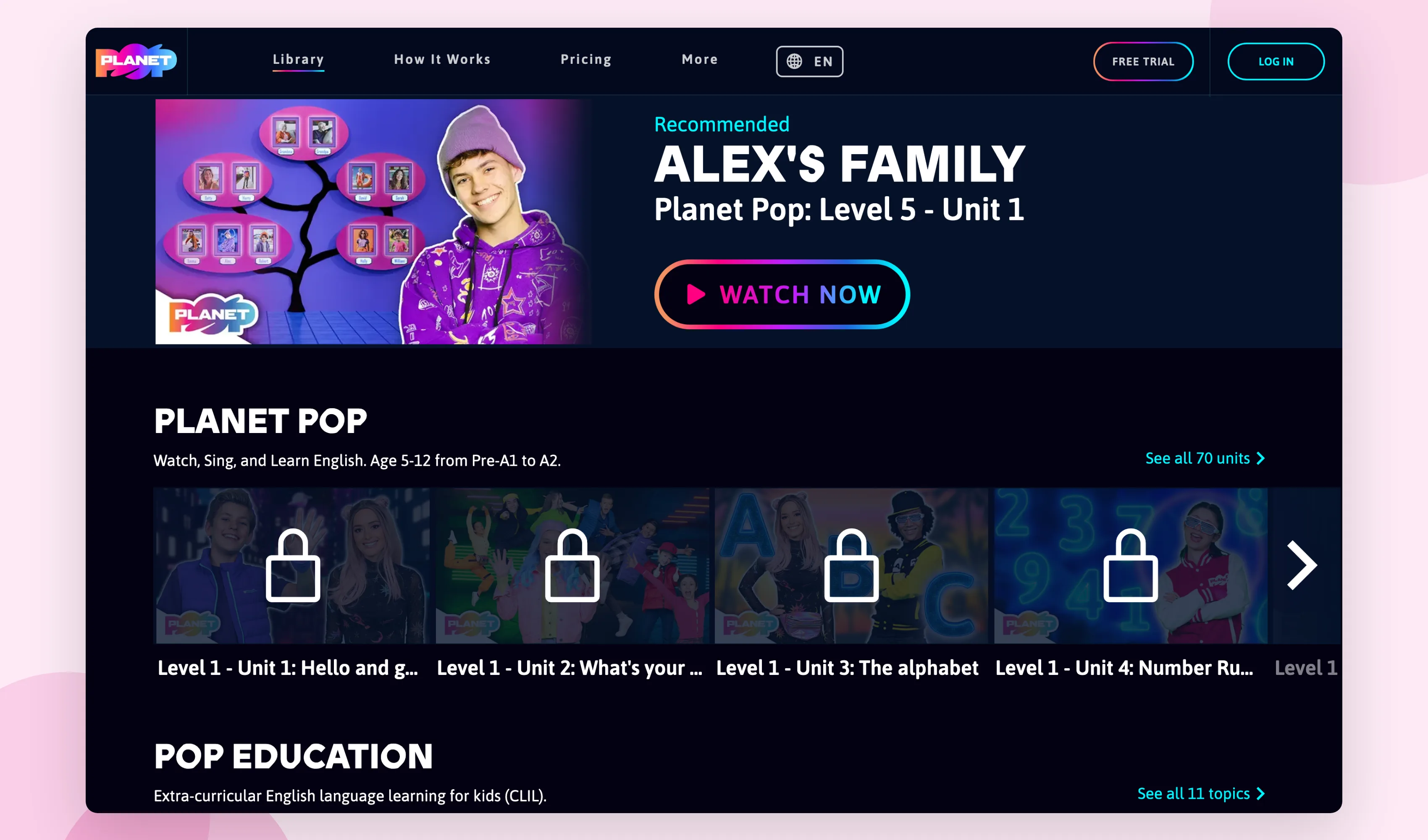
What is eLearning? It’s training or education delivered through technology instead of a physical classroom: video lessons, online courses, quizzes and tracking that a learner works through in their own time. Code23 builds e-learning platforms and the technology behind them, from configuring an off-the-shelf learning management system through to full custom builds like Planet Pop, the music-led English learning platform we built for schools and families.
The benefits are straightforward. eLearning cuts the cost of travel, trainers and printed materials. It delivers the same training consistently to everyone, wherever they’re based. It lets people learn at their own pace instead of the group’s pace. And done properly, it gives you a record of who’s completed what, which matters for compliance as much as for classroom teaching.
The harder question isn’t whether eLearning works. It’s whether an off-the-shelf platform covers what you need, or whether your content and audience need something built around them. That’s what the rest of this guide covers.
What Is eLearning?
eLearning is a teaching method that uses technology to educate people in a setting outside of the normalised classroom.
eLearning platforms aren’t just accessed by people that are interested in earning their higher education. Industries such as manufacturing, the medical field, non-profit organisations, education, associations, and businesses use eLearning.
Accessing eLearning for your organisation makes it easy for you to train and educate your employees, as well as provide resources to team members that may be located all around the globe.

Types of eLearning
Taking advantage of eLearning allows you to learn anytime and anywhere.
However, there are several different types of eLearning. Understanding the different types of eLearning will help you find the eLearning method that best fits your unique learning needs. Let’s take a closer look at the different types eLearning:
Computer Managed Learning
Computer managed learning, which is also referred to as CML, is when computers are used to assess the learning process. The computer system provides an administrative framework through which the learner interacts for such tasks as enrolment, unit or module selection, provision of study material, assessment, and feedback.
With the use of a ranking parameter, the computer will be able to adapt to each student’s learning preferences based on their learning goals.
Synchronous Online Learning
Synchronous online learning uses a group of learners to participate in an activity together at one time. These students can work together at the same time, no matter where they’re located in the world. By using online chatting and video conferencing. This method of eLearning allows students to ask questions while still participating in the training.
Fixed eLearning
Fixed learning refers to the process that’s used in the majority of classrooms. This is where all students will receive the same information at once. The materials will already be determined by the instructor’s choices and won’t be adapted to fit each student’s unique and individual needs.
Adapted eLearning
Adaptive eLearning is one of the newer types of eLearning. This process uses learning materials to adapt and make a custom learning experience for each student.
The parameters that are set to adapt to each student will be based on their skills, goals, performance, and abilities, making this type of education centred on the student.

Interactive Online Learning
Interactive online learning provides a two-way communication channel between the teacher and a student. Students can send messages and receive messages from their teachers. This allows students to receive changes from their teachers based on the student’s unique learning methods.
Individual Online Learning
Individual online learning is similar to the average classroom setting that you would find in a school. When your students participate in individual online learning, they’ll be expected to learn projects on their own and meet learning goals.
Collaborative Online Learning
A group of multiple people will work together to achieve learning goals as a group. This encourages the use of teamwork to encourage students to achieve a common goal.
Corporate eLearning
eLearning isn’t just for students. Companies can use eLearning to train their employees, provide partner training, and even customer training.
Using virtual education to provide your employees with updated training will ensure that all of your employees receive the same consistent training, but you also can save your company both time and resources.
Whether employees are working virtually, or you have employees working flexible hours, an eLearning platform will benefit your company and allow you and your staff to reap the benefits of consistent training.
The key features listed above are what make eLearning for corporations so important today.

Benefits of eLearning
eLearning makes education (and even corporate training) simple, easy, and cost-effective.
Are you still not sure how you can benefit from eLearning? Let’s take a closer look at some of the benefits that you can expect to see by participating in an eLearning program:
Affordable
eLearning is a lot more affordable when compared to other types of learning and training. Without the need to spend money on travel, trainers, accommodations, and course materials, you can quickly roll out new training for a fraction of the price of what you normally spend.
By depending on eLearning over your normal training method, you can enhance the profitability of your company.
Time-Efficient
Unlike the average classroom setting, eLearning can be accessed at any time by anyone. eLearning provides you with the ability to deliver lessons quickly. Not only will it take less time for you to deliver lessons, but it can also help reduce the time needed to learn a subject.
Since lessons can start quickly, you can also wrap up a training session in one class. This means that you can roll out new training with just a few short videos and can be implemented within your company named after a few days.
Plus, your employees can set their own learning rate instead of struggling to keep up with the rest of the group.
Good For Training
Not only is eLearning good for improving your company’s profitability and time efficiency, but it’s also great for your employees. This is because it makes the content that you’re delivering to your employees easier to grasp.
By providing your employees with an enhanced ability to learn, you will see an improvement in employee retention and performance. Plus, your employees will find that the unique learning methods offered with eLearning will make retaining information easier!
Clear Communication
Using eLearning within your company will provide you with a highly consistent communication method. This means that message that you’re communicating with your employees will stay consistent among all of the employees that you’re educating.
What Is an LMS?
LMS is an abbreviation for a learning management system. You will frequently find this term pop up in information that discusses eLearning.
Understanding the features and benefits an LMS offers will help you decide whether you should implement an LMS as part of your program.
A learning management system tracks and deploys initiatives and online training. However, the direct role that you provide your learning management system that will depend on your company’s online training strategy, your outcomes, and your current objective.

How Important Are Learning Management Systems in eLearning?
Learning Management Systems can accomplish all of the requirements that your organisation has for properly training employees. Plus, there are additional features that you can reap the advantages of using a learning management system in your eLearning course.
Not only does LMS provide you with the ability to administer the learning criteria for your staff, but it also provides you with the ability to build, manage, and facilitate the courses that you are providing employees with.
Plus, your LMS can be used throughout your entire company. Instead of just your department being trained only to access the e-learning, using a learning management system in your eLearning course can provide you with a company-wide training solution.
Not to mention that implementing a learning management system in your eLearning course, will enable you to access your application anywhere and anytime.
"The results of Code23’s hard work, professional approach, and ability to work together with us to create our vision, has resulted in an end product that we couldn’t be happier with. They have provided us with a fully rounded service, including plenty of support, advice, and guidance for the future too. We are all very excited to welcome our customers back to our wonderful new e-learning platform."
Features of an Effective LMS
When you’re searching for a learning management system that will highlight your company’s productivity, you should search for an LMS that has the answers to your company’s unique needs. Some of the features that you should be searching for in an effective LMS include:
- Content
- Calendars
- User access
- Communication
- Notifications
- Reporting and tracking
- Security
If you’re looking to invest in a Learning Management System and transform your company’s current training program, consider Code23.
Code23 can help you build or improve an e-learning platform that fits how your organisation actually teaches, whether that’s an off-the-shelf LMS or a custom platform built around your content. If WordPress and LearnDash already cover what you need, our LearnDash guide is worth a read too.
Reaping the Benefits of eLearning
So, what is eLearning?
eLearning is training or education delivered through technology rather than a physical classroom. It uses the internet to let learners interact with whatever your company, school or instructor is teaching.
Frequently asked questions
What is an e-learning system?
An e-learning system usually means the platform itself: the software that hosts your courses, tracks who’s done what and issues certificates. It might be an off-the-shelf LMS like Moodle or TalentLMS, or a platform built around how your organisation actually teaches. Our guide to custom software vs off the shelf covers how to decide between them.
What’s the purpose of e-learning?
The purpose of e-learning is to deliver consistent, measurable training without everyone being in the same room at the same time. For businesses, that means onboarding, compliance and product training that’s the same every time, tracked automatically, and available to staff, partners or customers wherever they’re based.
What are the objectives of e-learning?
The main objectives are consistency, reach and measurement: everyone gets the same training, it works across time zones and locations, and you can see who’s completed it and how they performed. Get those three right and e-learning can cost less over time than repeating the same in-person training.
What does “e-learning technology” actually mean?
It’s the software behind the training: a learning management system to host courses, video or SCORM content for the lessons themselves, and reporting to track completion. For a lot of organisations that’s an off-the-shelf tool. For others, especially with unusual content or an audience outside a normal LMS login, it means something built to fit.
Next step
If you’re weighing up an off-the-shelf LMS against something built around your content, start with what you’re actually trying to teach and who has to complete it. That decides more than any feature list.
Code23 has built custom platforms for education and training clients, including Planet Pop’s music-led English learning platform for schools and families, alongside 350+ projects since 2005. If a standard LMS doesn’t stretch to your branding, reporting or integrations, tell us what you’re working with. We’ll tell you straight whether it’s an LMS problem or a custom platform problem, and point you to our guide on what custom software costs so there are no surprises.
Plan the next release
Build the next version around the result it needs to produce.
We’ll define the scope, design the journeys and build the systems behind them with one senior UK team.


