How to Ensure Your Online Marketplace is a Success
How to build an online marketplace that succeeds: validate demand first, build only the MVP features you need, then choose the right platform.
How do you make an online marketplace a success? Validate the demand before you build anything, launch with the smallest set of buyer, seller and platform features that let a transaction actually happen, then choose a platform that can grow with the business rather than fight it. Code23 has designed and built marketplaces across categories from music bookings to kids' parties to fine wine auctions. One common risk is building before testing demand.
The order matters more than any single feature. Building too much before that test can waste budget; validation and a smaller MVP reduce uncertainty but do not guarantee growth. This guide covers all three: validating your idea, deciding what to build first, and choosing between a ready-made platform and a custom build.
3 Steps to Online Marketplace Success
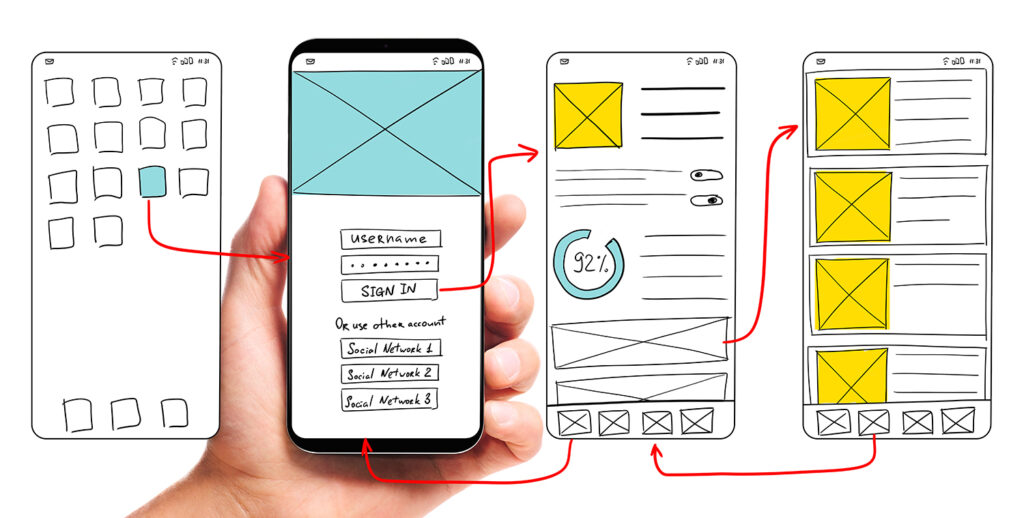
Validate Your Idea
You need to make sure there is sufficient demand for your product or marketplace and something that differentiates it from the competition.
Keyword research to get an idea of how many people are searching for similar products, or words related to your product or service and who the competitors are.
- Google Keyword Planner supplies keyword ideas, historical average monthly search estimates and forecasts for selected locations, plus alternative keywords or phrases people are searching for on Google.
- Google Trends shows sampled, normalised relative search interest by region and date, not absolute search volume. Useful for spotting keywords or ideas that are rising or dropping in relative popularity.
Social media research. Similar to keyword research but using Instagram, X (formerly Twitter) and YouTube to find the volume of conversations and mentions around your business idea and learn about your target audience.
- Research hashtags and trends related to your keywords.
- Identify influencers in your niche
- What type of conversations are going on related to your keywords
- Who is your target demographic?
Define your Unique Selling Proposition (USP) Assuming there are some competitors, what distinguishes your product from the alternatives? Is it easier to use? Does it offer a wider selection of products? Does it serve a different region or market?
Validate your idea. Or test the water. One way of doing this is to set up ads:
- Google Ads to test response to your product before launch. Send visitors to a page where they can join a waiting list or sign up for a notification when the product or service is available.
- Social media ads. If you know the audience you’re targeting, consider running a defined advert and landing-page test to measure response from that audience.
Ads and sign-ups test response to a defined message and landing page; they're evidence, not proof, of total or durable demand. Pre-orders or sign-ups can strengthen an evidence pack, but investor decisions also depend on the team, economics, market, traction and risk.
"We worked with Code23 for a complete rebuild of our music related website. Excellent customer service and quality throughout and the build they have now completed is fantastic - exceeded all expectations across the board. Fantastic company with a dynamic and motivated team who are great to work with. Would highly recommend!"
Identify and Prioritise Product Features

To avoid wasting time and budget on your project, build only the features required for a safe, operable first transaction. Start with a Minimum Viable Product (MVP) in the first phase of your project. The list below is illustrative, not universal; prioritise from evidence and risk in your own marketplace:
Buyer features
- Search bar, categories and filters – so buyers can find products easily
- Checkout – to make it easy for buyers to purchase from multiple sellers with a simple payment
- Payment solution – Stripe Connect is a popular choice, but you’ll need to research your customers to determine which solution will work best for your marketplace website.
- Order management – so buyers can view and track orders as well as get notifications when the order status is updated
- Way to communicate with sellers and ask questions before and after purchase and leave feedback
Seller features
- An onboarding process to make it easy for sellers to sign up and manage their inventory
- Notifications and way to communicate with buyers – public questions and private messages
- Sales and marketing tools – to allow them to use discount codes and product promotion management
Platform features
- Ability to collect seller fees or commission
- Way to moderate and manage everything
- Approval system to allow new sellers to set up their stores
- Ability to make changes sitewide like market-place wide promotions
There are many more advanced features to consider for a later phase, like deeper reporting, integration with third-party services and mobile apps. Reporting, integrations or mobile access may be essential at launch where compliance, operations or the transaction itself require them, so treat this as a starting list, not a fixed one.
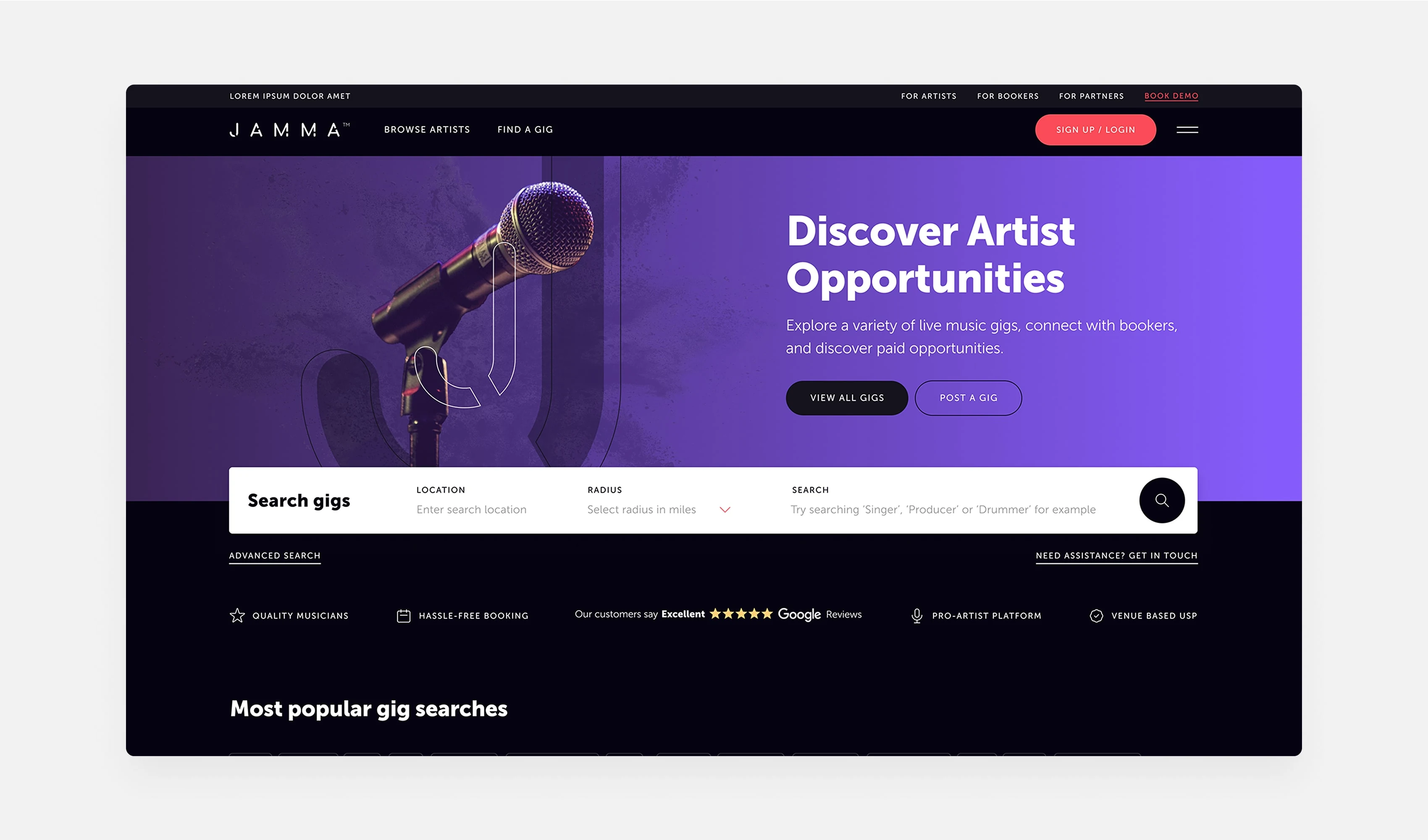
Choose the Right Technology

Should you use a pre-built platform or custom solution? There’s a variety of ways to approach an online marketplace build: hosted platforms like Sharetribe, WordPress plus WooCommerce for a template-based build, or self-hosted open-source starting points like Mercur if you have development resources to run and extend it yourself. We wouldn't recommend WordPress for most new marketplace builds in 2026 because dependable seller, booking and payout workflows commonly require a substantial extension and integration stack; assess that stack against hosted and custom alternatives.
It’s tempting to go for one of these seemingly low-cost options to get your marketplace website up and running as quickly as possible, but it’s worth considering the benefits of a custom solution, as you’re likely to experience limitations in the long run if you don’t plan ahead and confirm you have all the features you need or at least make sure you have a platform you can scale and add additional features to in the future.
Advantages of a custom-built software solution:
- Specification – A custom build can be scoped to meet your exact requirements. Write your specification first, then find a solution or team that can deliver against it.
- Ownership – for a future sale, document what the business owns and licenses. A custom build can increase architectural control, but a marketplace can still be investable on third-party infrastructure if contracts, data portability, economics and operational risk are clear.
- Control – Rules and prices on third-party platforms, like Shopify, can change. A custom build may offer more architectural and data-portability control, but ownership still depends on contracts, licences, hosting and third-party services.
- Cost – Although this might not look like the lowest cost option, by the time you factor in recurring monthly fees and other additional costs for plugins or other add on services, compare implementation, subscription, hosting, maintenance and exit costs over a defined period rather than assuming either route costs less.
- Flexibility – A custom solution can be easier to adapt as the market changes or the design needs a refresh, depending on its architecture and the team maintaining it.
- Scalability – If you’re expecting a large number of users, you’ll need a platform you can scale quickly to accommodate an increasing number of users.
- Speed – A custom solution can give you more control over performance, but speed and retention still depend on architecture, hosting, implementation and measured user behaviour.
So if you can't find a pre-built solution that meets your exact requirements, a custom build is worth costing properly. Custom software isn't automatically cheaper, easier to change, faster or more scalable; compare those outcomes against the architecture, your delivery capability and total operating cost before deciding.
Frequently asked questions
What makes an online marketplace successful?
Successful marketplaces test demand, define the minimum safe transaction and improve from evidence. Sequence matters, but supply quality, liquidity, trust, economics and execution also affect the outcome. Get the order wrong, too many features too soon, or a platform that can’t grow with you, and momentum stalls.
How much does it cost to build an online marketplace?
There’s no single figure. Cost depends on how many buyer, seller and platform features you need at launch, and whether you build on a pre-built platform or from scratch. We agree a fixed price up front once we understand your marketplace, rather than an open-ended day rate. Our free Marketplace Growth Review can help you work out what you actually need before you commit to a build.
Are online marketplaces profitable?
Some are, many aren’t. Profitability depends on acquisition cost, supply-and-demand liquidity, the chosen revenue model, support and transaction costs, retention and volume. Commission is one model among subscriptions, listing fees, lead fees and hybrids. Validate demand before you build, and design your revenue model into the platform from day one rather than adding it later.
Next step
The order is useful: test demand, define what buyers and sellers need, then choose a platform against those requirements. Skipping discovery can increase rework, but it does not make rebuilding inevitable.
If you’re validating an idea or already building, our free Marketplace Growth Review is a 30-minute call that can help you work out what to build first and which platform fits. We’ve built 50+ marketplaces over 15+ years, across categories from wine auctions to kids’ parties, so we can usually help you see round the corners you haven’t hit yet.
Build the marketplace
Start with the workflows that make the model work.
We’ll map buyers, sellers, payments and operations before the build, backed by experience from more than 50 marketplace projects.


