Why Do Companies Use SaaS?
Why do companies use SaaS? We explain what software-as-a-service is, how it works, real examples and the benefits businesses should weigh up in 2026.
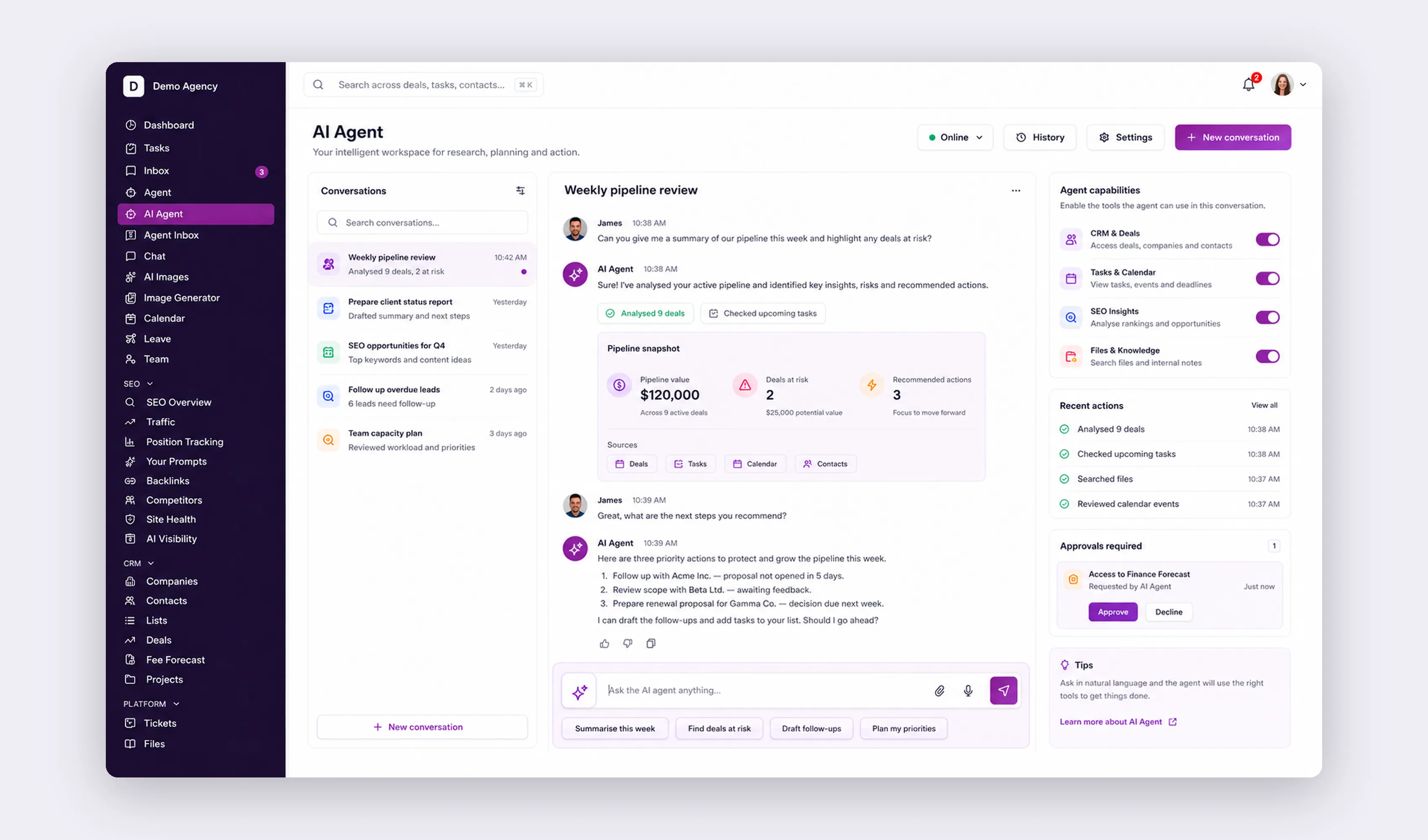
Why do companies use SaaS? Because renting software by the month often reduces the upfront infrastructure and maintenance work of buying and running it yourself, though cost and risk still depend on pricing, configuration, integrations, data handling and vendor dependency. Software-as-a-Service lets a business use email, accounting, CRM and dozens of other tools over the internet for a subscription, while the provider looks after the servers, the security patches and the updates. At Code23 we build both sides of this: the SaaS products companies buy, and the custom platforms businesses build once an off-the-shelf tool stops fitting how they actually work.
Most businesses now run on a mix of the two. Standard jobs like email, payments and basic accounting are often good SaaS candidates, subject to security, integration, residency, continuity and total-cost requirements. The moment a core part of the business depends on a workaround that five different subscriptions were never designed for, that’s usually the sign it’s worth talking to us about something built to fit.
Contents
- What is SaaS?
- How does SaaS work?
- What are some examples of SaaS?
- What are the benefits of SaaS?
- Flexible and scalable
- Quick and easy
- Kept up to date
- Cost-effective
- Time-saving
- In safe hands
- How can businesses use SaaS?
- Frequently asked questions
What is SaaS?

Software-as-a-Service is software hosted by a provider and accessed over a network, commonly sold by subscription. Pricing and contract models vary, so SaaS is not defined solely by monthly rental.
- The provider runs the core service infrastructure, while the customer may still need identity, network, endpoint, integration and governance work.
- Access depends on the plan, permissions, supported devices, connectivity and service availability.
- SaaS pricing may be per-user, tiered, usage-based or hybrid, such as with email and customer relationship management (CRM) tools
Although SaaS technology may seem like a relatively new phenomenon, the concept has been around for almost 60 years. Rewind to the 1960s and computers were prohibitively big and expensive for most companies. And so, an early version of what we know as the cloud was created. Called a ‘time-sharing system’, it involved a network of terminals (keyboards and monitors) connected to a mainframe (computer) that gave companies a cost-effective way of accessing computer technology (BeBusinessed).
"It has truly been a fantastic experience working with the Code23 team. Every part of the process from the scoping and onboarding down to the design and implementation of our website was handled excellently. The quality of service delivered by the team is globally top standard and I couldn't be more satisfied with the final outcome."
How does SaaS work?
SaaS applications are hosted by the provider and usually accessed through a browser or app, though some still require local clients, integrations or device management. Physical hardware, servers and the underlying code are the provider's responsibility rather than yours.
What are some examples of SaaS?
The chances are you’re already using SaaS, perhaps without even realising it. That’s because a lot of the applications we use day in, day out for business and personal reasons are cloud-based. AWS principally supplies cloud infrastructure and platform services rather than being a single SaaS application, and is used by providers, individuals and governments for on-demand cloud computing on a pay-as-you-go basis. Further examples include:
- Dropbox
- Microsoft 365
- Google Workspace
- Cisco Webex
- Slack
- HubSpot
- Adobe Creative Cloud
- Salesforce
Talking of Salesforce, the customer relationship management tool is widely regarded as one of the best examples of a successful SaaS company. Originally founded in 1999, Salesforce has grown into one of the world’s most valuable enterprise software and cloud computing companies.
What are the benefits of SaaS?

SaaS is used by organisations of many sizes; suitability depends on requirements, controls and total cost. Let’s look at some of the ways in which SaaS could help with business growth.
Flexible and scalable
One feature of SaaS is that it's usually accessed through a browser or app wherever there's an internet connection, rather than being tied to one computer or location, though some tools still need a local client, integration or device management. Capacity and user changes, such as adding seats or storage, may be available through the service plan, but migration, permissions, configuration and pricing can still add work.
Quick and easy
Deploying a SaaS application is often faster than building your own, since the software is already built and hosted; what's left is configuring it and arranging access for your team. SaaS applications can suit sales teams on the move, since access mainly needs an internet connection, though device management and integrations may still apply.
Kept up to date
Updates and new features are usually installed automatically, so you're generally running a current version without paying separately for upgrades. Automatic updates can reduce customer deployment work, but changes can also require testing, training or integration updates. SaaS providers typically monitor their own infrastructure, though no provider can guarantee against every security risk.
Cost-effective
One of the reasons SaaS is popular with small companies and start-ups is the relative low cost of entry. There’s typically no large upfront fees and the pay-as-you-go subscription can be monthly or annual, so the cost can be treated as an operating expenditure, rather than a one-off expense. Further savings can come from not having to buy hardware, though your team still manages identities, configuration, integrations and data governance for the service. The provider spreads platform operating costs across its service, but customers still pay through subscription, usage, support and implementation charges defined by the contract.
Time-saving
SaaS can reduce some deployment and maintenance work.
- Some services support multi-region access, subject to plan, residency and security requirements.
- The provider hosts the core infrastructure, while customers may still need network, identity, endpoint and integration work.
- Access depends on connectivity, permissions and service availability.
- Usability and learning curve vary; test the service with the intended users.
Plus, because the provider handles its side of the maintenance, your team can spend less time on that and more on other priorities, while still managing your own accounts, data and integrations. Whether this produces a net saving depends on subscription, implementation, support and internal administration time.
In safe hands
IBM's 2026 Cost of a Data Breach Report reports a global average breach cost of US$4.99 million; costs vary by country and incident, and the reputational harm is harder to put a number on. A managed provider may offer stronger controls than some in-house deployments, but cloud hosting does not automatically reduce breach risk. The provider manages its service, while you still manage identities, configuration, integrations, endpoints, data, contracts and governance.

How can businesses use SaaS?
Many businesses use SaaS; adoption and spend vary by organisation and category.
SaaS products are available across many business functions, including:
- Customer relationship management
- eCommerce
- Customer service
- Finance and accounting
- Human resources
- Software development
- Governance, risk and compliance
- Analytics
- And more…
Cloud delivery is common across many business functions, but prevalence alone does not establish that SaaS is the right fit.
SaaS can be easier to start or scale in some cases, but those outcomes depend on the product, plan, integration and governance requirements.
Frequently asked questions
Why do companies use SaaS instead of buying software outright?
Because it swaps a big upfront licence for a monthly subscription, and the provider handles hosting, patching and updates. That can reduce infrastructure work, but risk shifts rather than disappears; customers still manage identity, configuration, data, endpoints, integrations and vendor dependency. It works well until your process needs something a generic tool can’t flex to. At that point, compare switching, integration and custom-build costs over a defined period: a custom platform can become viable once subscription and workaround costs are measurable.
What’s the biggest downside of using SaaS?
You’re renting, not owning. Your data, your workflow and your costs all depend on someone else’s product roadmap and pricing decisions. If a vendor raises prices, drops a feature or shuts down, you have limited say in it. Vendor change, outage or failure can affect any service; assess criticality, export options, continuity and exit terms, especially once one SaaS tool sits at the centre of how your business runs.
Is SaaS cheaper than building custom software?
For one job done well, SaaS often has a lower upfront build cost, though total cost still depends on implementation, subscription, usage, integration, support and exit costs. It gets less clear once you’re paying for several subscriptions to patch together a single process, or a generic tool is holding your team back. At that point, compare switching, integration and custom-build costs over a defined period. A custom build may become viable when subscription and workaround costs are measurable, but confirm hosting, maintenance, exit and IP/licensing terms before assuming it costs less or is wholly owned.
Sources
Next step
Most of what’s covered here comes down to one question: does an existing SaaS tool already do this job well, or does your business need something built to fit? SaaS is often a sensible candidate for standard jobs like email, payments and basic accounting, subject to security, residency, continuity, integration and total-cost requirements.
It gets more interesting once you’re running several subscriptions to patch together one process, or a generic tool is quietly limiting how your team works. That’s usually the point to talk to us about a fixed-price build instead of another subscription.
We’ve delivered 350+ projects since 2005. We’ll help you work out which side of it you’re on. Read more in our guide to custom software vs. off-the-shelf, or find out about the platforms we build.
Plan the next release
Build the next version around the result it needs to produce.
We’ll define the scope, design the journeys and build the systems behind them with one senior UK team.


