What is User Testing? A Step-by-Step Guide for Business Owners
What is user testing? A step-by-step guide for business owners: what it is, why it matters, how to run it and the best tools to use.
What is user testing? It’s putting your website, app or prototype in front of real people who match your target customer, giving them specific tasks, and watching what actually happens rather than what you hoped would happen. At Code23 we build it into our product design work, because design decisions contain assumptions that are best checked with representative users.
It isn’t a new idea. James Dyson built 5,127 prototypes before his vacuum reached the shelves, and Edison’s team tested more than 3,000 bulb designs between 1878 and 1880; Edison filed a carbon-filament lamp patent in November 1879. The tools have changed since this article was first written in 2019; the principle hasn’t. Build something real, however rough, and find out what breaks before your customers do.
When it comes to mobile apps and websites, user testing is just as important. Even the most experienced of developers can miss things or simply not see how the end user will use the software because they’re too immersed in the process. Or they’re technical and don’t see how ‘normal’ people view things!
How many times have you been on a website or app to find it simply doesn’t perform how you’d like it to, or how you’d expect?
You probably get frustrated with buttons that seem to be in the wrong place or gestures that make no sense?
Apple removed their home button with the launch of the iPhone X and although this might not seem that innovative, it’s a big change and a big user experience shift as they moved from pressing a button to swiping a screen. Apple’s internal testing process is not evidenced here; the example shows why major interaction changes should be tested with representative users.
What is User Testing?
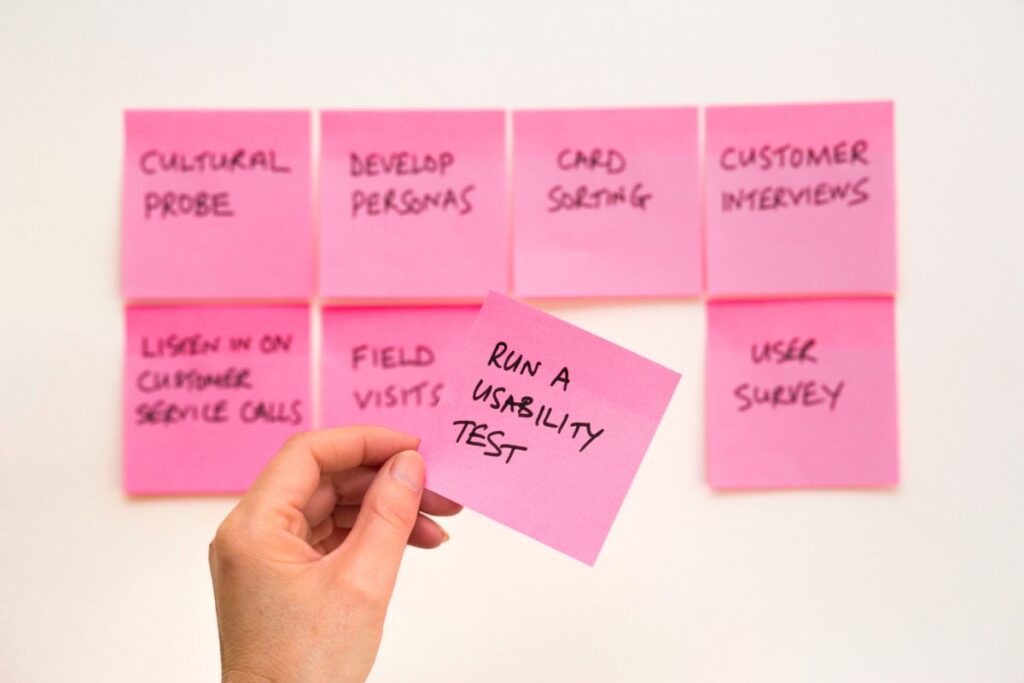
Usability testing asks representative participants to attempt realistic tasks while researchers observe behaviour and collect feedback; sessions may be recorded with informed consent.
User testing is squarely aimed at putting your new software or website to the test with human beings. Developers and designers can easily get lost in the project and lose sight of how the end user will use the software they’re creating. User testing can allow them to get real life feedback on their UX design and help them make improvements before the final version is launched.
Why is User testing important?
User experience is vital because it helps the developers and owners of the website or app create a product that will be simple and effective to use. There’s little point in creating an app that’s frustrating to use or a website that’s annoying for people who’ve never seen it before.
User testing surfaces problems worth fixing before launch. Testing can reveal anything from wording friction to a flawed task flow; do not assume only final details remain.
There’s a very good reason that most websites work in the same way.
Have you noticed how many mobile sites still put the menu behind a ‘burger’ icon, usually top right? It's a familiar pattern because it's roughly where people expect to find it, though plenty of apps now use a bottom tab bar instead. Whichever pattern you choose, it needs to be the simplest way for someone to find the menu navigation, a very important part of any website.
Scrolling on a website is often the same too. But this doesn’t stop some websites needing prompts or arrows to guide people to make their choices. Some sites miss the very obvious elements that help the user navigate the site and find what they’re looking for.
Good user testing methods aim to find these problems before they’re live on the final version.
Well-implemented user testing can save you money. Testing can reduce the risk of late usability defects; it does not guarantee a bug-free launch. Fixing problems found during the prototype stage may be easier and less costly than fixing them after launch.
Fail fast, fail often.
Using the end user to help you build your website or app makes total sense. You’re not creating it for you or your team, are you? You’re creating it for them. Getting a real user to test and try to achieve tasks on your prototype helps your developers to see whether what they’ve created is up to the job or not.
How is User Testing Related to User Experience?
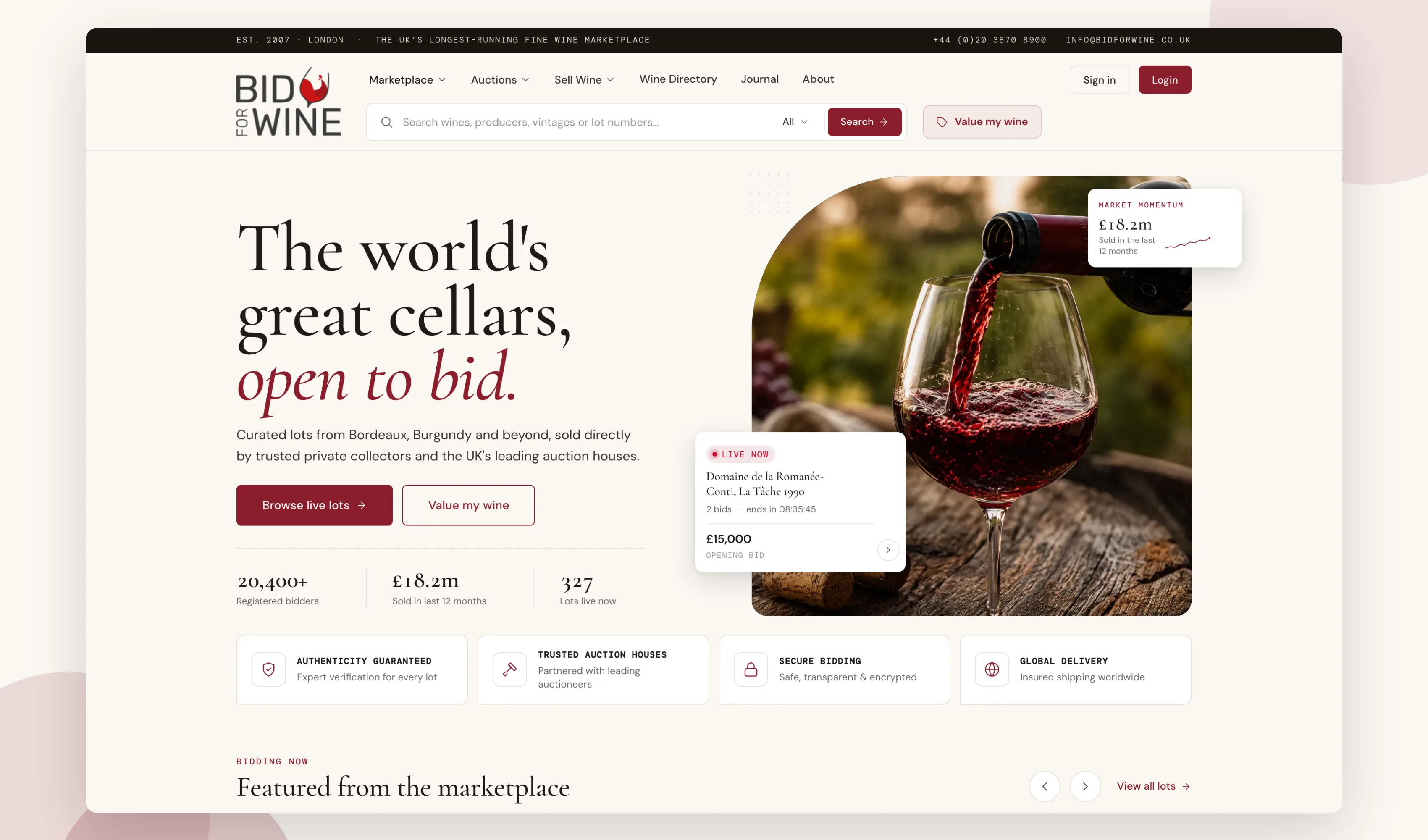
User testing should be embedded in creating a good user experience, sometimes called UX design. Good user experience is the aim for any software developer. Our websites are built with the end user in mind. The user needs to enjoy visiting the website or app and do what they need to do with minimal fuss/swishing/tapping/head scratching! And it needs to add value to their life, too. If the user doesn’t get what they want pretty quickly, they'll often just go elsewhere.
User research and problem definition come before or alongside usability testing. Use research to define the desired experience, then test whether the design supports it.
User testing gives you useful insight into what the user thinks of your product so far. Do they move with ease across the platform, or do they swear and moan to their colleagues? Repeated task failures or frustration are evidence to investigate and retest; one session does not prove commercial failure.
We’re very fickle in this world and technology gets very few breaks from humans. Good testing will help improve the UX design of your website or app and help reduce avoidable frustration!

How Do You Perform User Testing?
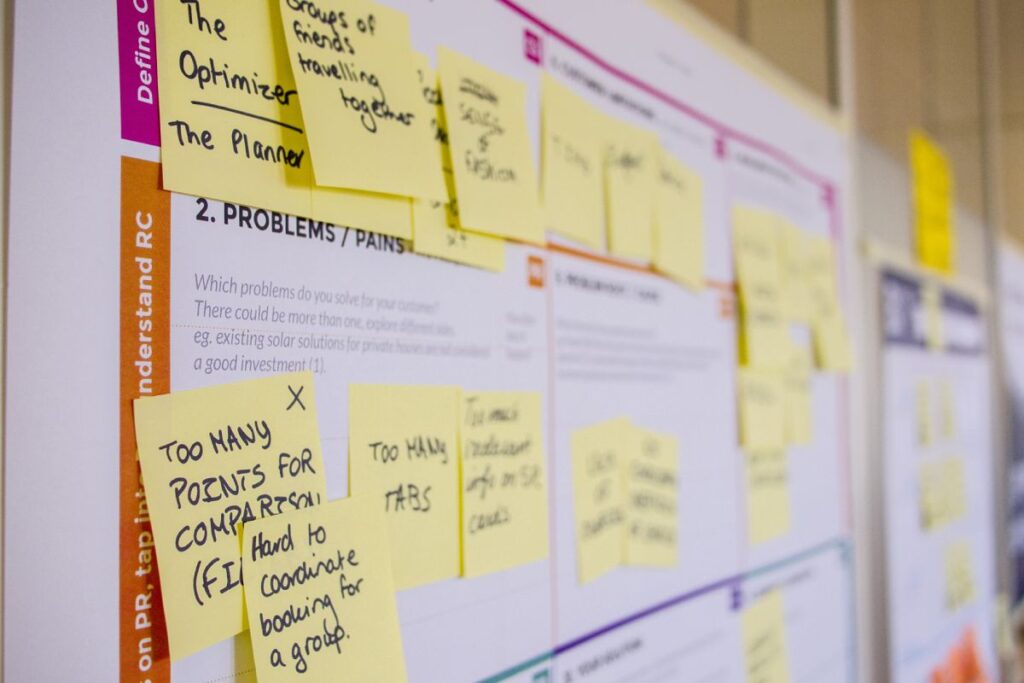
User testing isn’t as simple as just letting some people loose on your new prototype and asking them to ‘give it a go’. That approach tends to produce vague, unusable feedback. What you actually need them to do is perform specific tasks that your product is designed to do.
If you’ve built an app for a restaurant, you’ll need to test features and functions like:
- Booking a table.
- Finding the restaurant.
- Viewing the menu.
- Finding the dietary information.
- Ordering a takeaway.
- Contact details.
- Finding reviews.
This way you’ll get results based on core functions and you can then feed that back from all the testers to your developers, rather than a list of ‘nice-to-haves’ and a mixed back of results.
Here’s how a user test might look:
- Build a mock-up or working prototype.
- Recruit participants who match the relevant behaviours, context and accessibility needs.
- Set tasks for them to perform.
- Run the test and record what they do.
- Get back to working on your software with the new results and feedback.
Build a mock-up or working prototype – user testing doesn’t need a flashing final product, but use the lowest-fidelity artefact that supports the task, from a paper or clickable prototype to working software, and it will need the structure and key elements to allow for a fair test.
Recruit participants who match the relevant behaviours, context and accessibility needs – it’s really important that you recruit and use testers who are a good match persona-wise for your target end user. Testers need to be the right type of customer persona as in many cases this will change how they use and navigate your site or app.
Set tasks for them to perform – The tasks you ask them to carry out are really important. Not guiding them at all leads to poor test results. But equally, asking them to perform certain tasks and not ones that really need to be tested is poor too. This set of tasks should be well thought-out and focus on the tasks and research questions chosen for that round, covering the major tasks your end users will want or need to complete.
Run the test and record what they do – With informed consent, screen or session recording can help explain behaviour; moderated notes and task outcomes may be sufficient. Choose tools and retention settings that meet privacy requirements. Sometimes it’s hard to understand why someone was unable to get a part of your software to work, and a recorded session makes that easier to see. What are they clicking and what are they expecting vs what happens?
Get back to working on your software with the new results and feedback – Then you can put your research and results into action to improve or change the UX design and functionality. Use the findings to decide changes, then retest whether the experience improved.
The aim should be to give specific tasks to people who are your ideal match for the end users and then let them test.
Give neutral task prompts, then avoid coaching participants through the interface; intervene only for safety, ethics or a predefined session rule. Record observations in the consented form appropriate to the study and then use those results to better your design or improve your product.
Tools that support usability, experimentation and QA
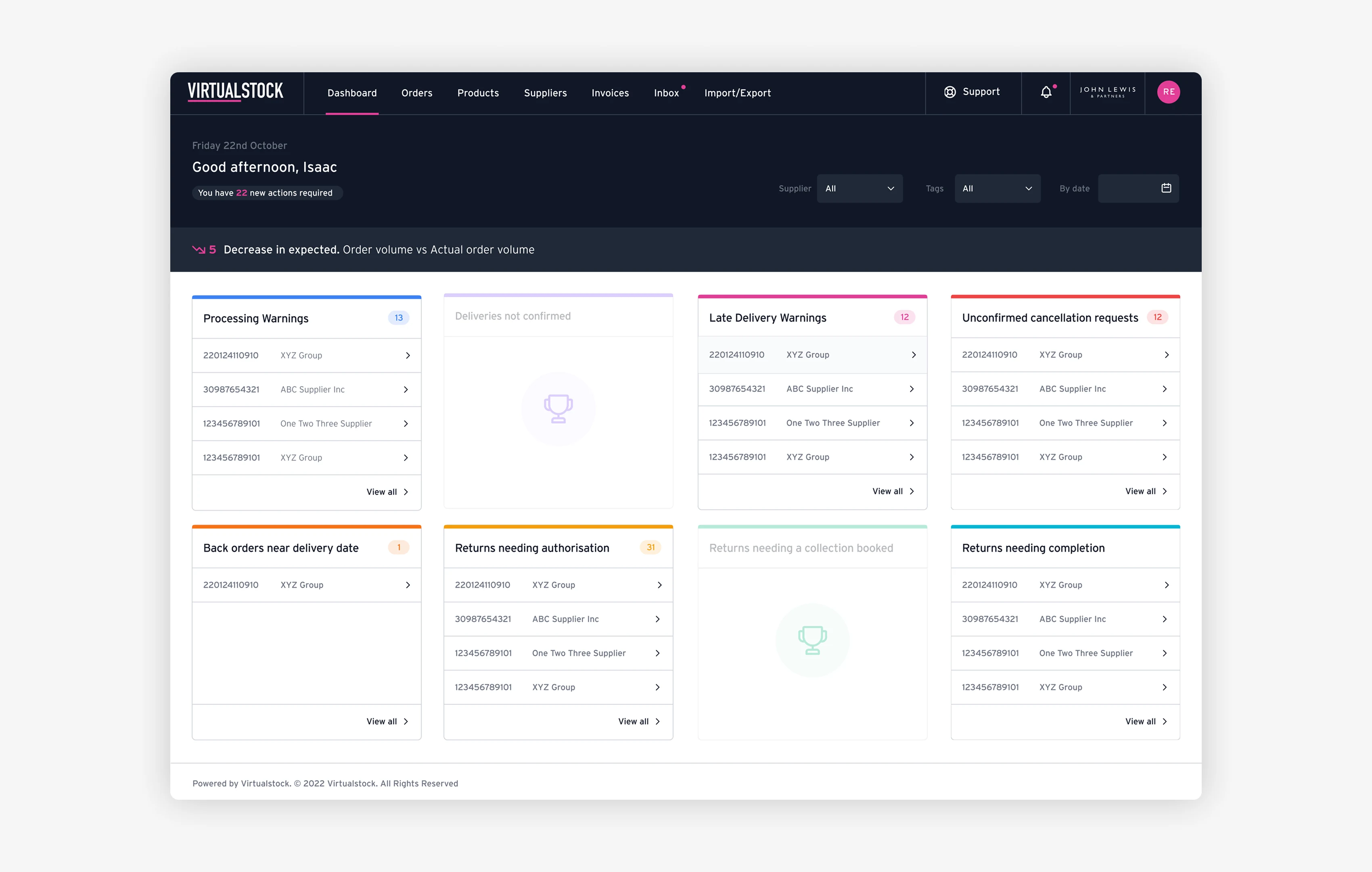
There are loads of tools that support this kind of work, but they do different jobs and none of the tools listed below, on its own, replaces a planned usability study. Here's how we'd group the ones we use.
Why suggest so many?
Well, like all software, some are better at some areas and others are better at other areas. Some help with experimentation and behaviour analytics, one is cross-browser and device QA, and two are performance diagnostics.
Experimentation and behaviour analytics – these show you what people did on a live site or let you run split tests; they don't replace watching someone attempt a task.
- https://www.optimizely.com – Now a broader AI experimentation and content platform, but still handles A/B testing.
- https://www.crazyegg.com – Heatmaps and click tracking on a live site.
- https://contentsquare.com/hotjar/ – Hotjar's heatmaps and session recordings, now part of Contentsquare (new accounts sign up there directly).
Cross-browser and device QA – this checks that a build renders and works correctly across browsers and devices, which is a different job from testing whether people understand it.
- https://www.browserstack.com – Cross-browser and device testing.
Performance diagnostics – these measure load speed and technical performance, not usability. Google describes PageSpeed Insights as a lab/field performance tool.
- https://pagespeed.web.dev – Free and great for performance testing.
- https://gtmetrix.com – great for performance testing.
A good mixture of these tools will tell you how the platform behaves and performs, but a usability study appropriate to the research question is still needed to assess whether people can use it.
What’s the Difference Between User Testing and User Acceptance Testing?
Usability testing and UAT are distinct activities that answer different questions.
Usability Testing is (as we’ve explained above) for the testers you’ve recruited to test the software to see how your final end user might use it.
User Acceptance Testing (UAT) is performed by business users or authorised representatives to verify that the system meets agreed business requirements and acceptance criteria in realistic scenarios before release.
Clearly, both are important; they may be used alongside each other, but their evidence and acceptance criteria should remain distinct. Getting the product to work well and give a good experience for the final users is clearly important, but if the company that commissioned the work doesn’t get what they want from it for any reason, then the project might not go live.
Usability testing and UAT answer different questions; neither substitutes for the other, and relative effort depends on product risk and acceptance obligations.
"Code 23 are consummate professionals and I could not be more thrilled with the website they designed for me! With the minimum of fuss, maximum care, they guided me through the process and accommodated every one of my requests."
Accessible design is good design
“Accessible design is good design,” a line widely attributed to Steve Ballmer, former CEO of Microsoft.
Beautiful websites that are hard to navigate or feel terrible on a mobile can lose the customers they worked hard to attract.
Apps that hide functions, fail to flow, and that give the user a hard time instead of saving them time, need to be re-thought.
User testing can contribute to a better beta, a more helpful functionality, and a user experience that’s one they’ll remember – not one they’ll want to forget.
Without effective and well-structured user testing you increase the risk of avoidable design errors in your build. That’s why we’re big fans of user testing during the design and build of our websites and apps.
Frequently asked questions
How many users do you need for user testing?
Not many, as a starting point. Nielsen and Landauer’s classic model estimated that five participants would reveal about 85% of usability problems when an average participant has a 31% chance of finding a problem. Treat five as a starting point, not a universal sample size. We favour several small rounds of testing over one big study: test a handful, fix what you find, then test again with a fresh group. A niche or highly technical audience may need more.
How much does user testing cost?
It depends on what you’re testing and how many rounds you run. A handful of moderated sessions on a prototype may cost less than late rework after launch. When we design a product for a client, testing is folded into that product design work rather than billed separately, so ask us what it would look like for your project.
Do you need a finished product before you can test it?
No. A product can still be tested before completion. Wait until it’s finished, and some decisions may be more expensive to change. A rough working prototype, even a clickable mock-up with placeholder content, is usually enough to run a real test. The aim is to catch problems while they’re still cheap to change, not to polish something nobody’s tried yet.
Sources
- Nielsen Norman Group, Why You Only Need to Test with 5 Users
- Contentsquare, Hotjar
- PageSpeed Insights
- Google, PageSpeed Insights overview
Next step
You don’t need a finished product to gather evidence about whether people can use it. A working prototype and a handful of real testers usually tell you more than another internal review, and testing now may reduce the cost of later changes.
If you’re building something new, or you’ve got a live site or app that isn’t performing the way you expected, our product design team can help: prototypes, usability reviews and testing sessions with people who match your real customers. That’s part of how we’ve delivered 350+ projects since 2005.
Design the product
Make the product easier to use before you build it.
We’ll turn the key journeys into a testable prototype, remove friction and give the build team a clear product direction.


