The key components of a marketplace CMS: Blogs & knowledge bases
A multi vendor marketplace thrives on the foundations of a solid and adaptable Content Management System (CMS). It is crucial for marketplace founders to understand the significance of a marketplace CMS, and how capitalising on functionalities like blogs and knowledge bases can substantially boost
A multi vendor marketplace thrives on the foundations of a solid and adaptable Content Management System (CMS). It is crucial for marketplace founders to understand the significance of a marketplace CMS, and how capitalising on functionalities like blogs and knowledge bases can substantially boost your business growth.
What is a marketplace CMS?
A marketplace CMS, or Content Management System, is a feature that provides users the capability to generate, manage, and edit content on their marketplace. With a marketplace CMS at your disposal, you gain absolute control over your marketplace, spanning from the product listings to the vendor store profiles, blogs, and knowledge bases.
A sound CMS forms the basis of a thriving digital marketplace, as it allows marketplace founders to effectively manage their content. An effective marketplace CMS has the potential to significantly streamline the content administration processes associated with running a marketplace.
The role of a marketplace blog
The marketplace blog serves an important role within a marketplace CMS. It facilitates the publishing and management of blog content on your platform. With a marketplace CMS, you also gain the capacity to manage blog categories, create new ones, update existing ones, and remove those that have become redundant.
This efficient management framework ensures that your marketplace blog remains organised, user-friendly and also contributes positively to your SEO performance. Frequently updating blogs with pertinent keywords can remarkably enhance your marketplace’s SEO performance, driving more organic traffic to your marketplace platform.
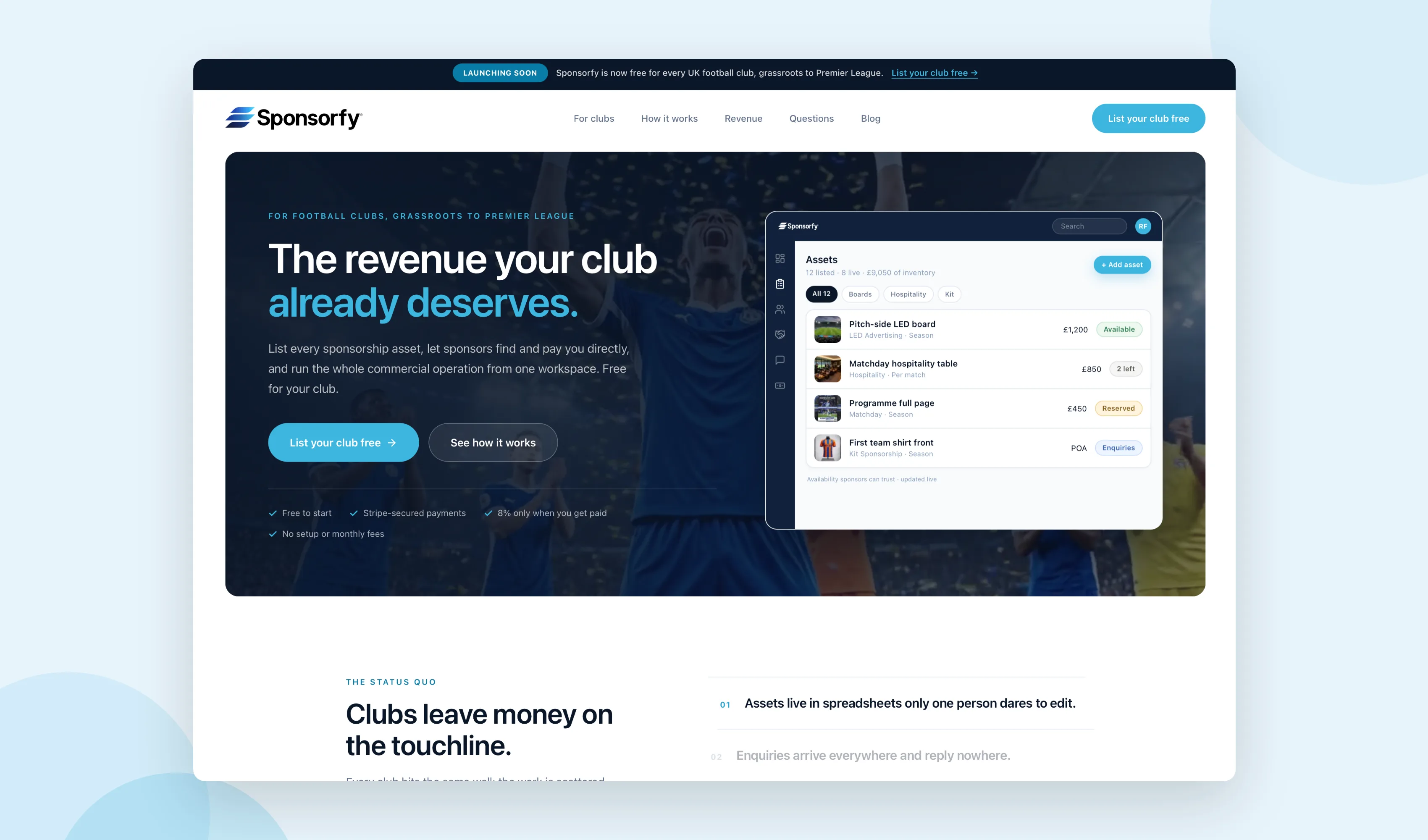
Advanced features of a marketplace blog
A contemporary CMS for marketplaces offers a variety of advanced features to boost the functionality and effectiveness of your blog:
Featured blog posts
This feature enables you to update specific blog posts with a “featured” tag, which influences their prominence and priority in your blog listings. This feature simplifies featuring a blog post and offers a transparent view of featured posts in your dashboard.
Manually set published dates
A ‘published date’ field allows you to set the date of blog posts manually. This feature grants flexibility in modifying the sequence of blog posts and can also be used to schedule posts. If a blog post’s published date is set in the future, the post will remain hidden on the front-end until that date, enabling you to prepare and schedule posts beforehand.
Additional blog-related fields
You can include additional fields to the blog posts such as the Author’s Name and Reading Time, which can further boost marketplace SEO.
Featured images
This feature lets you add a thumbnail image to posts and blog categories in the dashboard. This can prove beneficial on the front-end if you wish to create specific categories/sections with individual listing pages for each category.
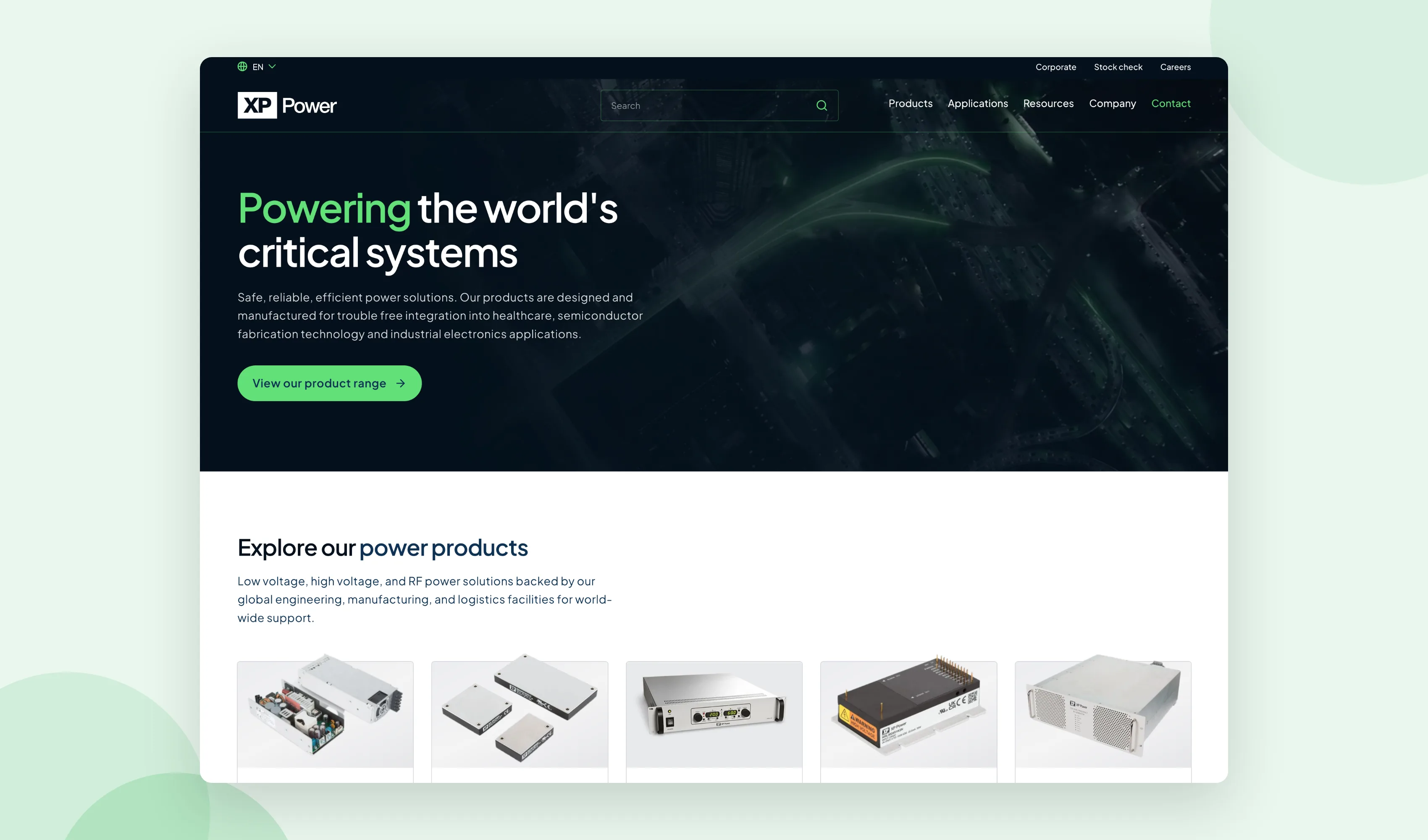
Knowledge base features for a marketplace
Just like blogs, knowledge bases can be an integral CMS feature. A knowledge base assists in customer self-service, lightening the load on your customer support team. It also presents a valuable resource for both vendors and customers, offering them instantaneous solutions to common queries and obstacles.
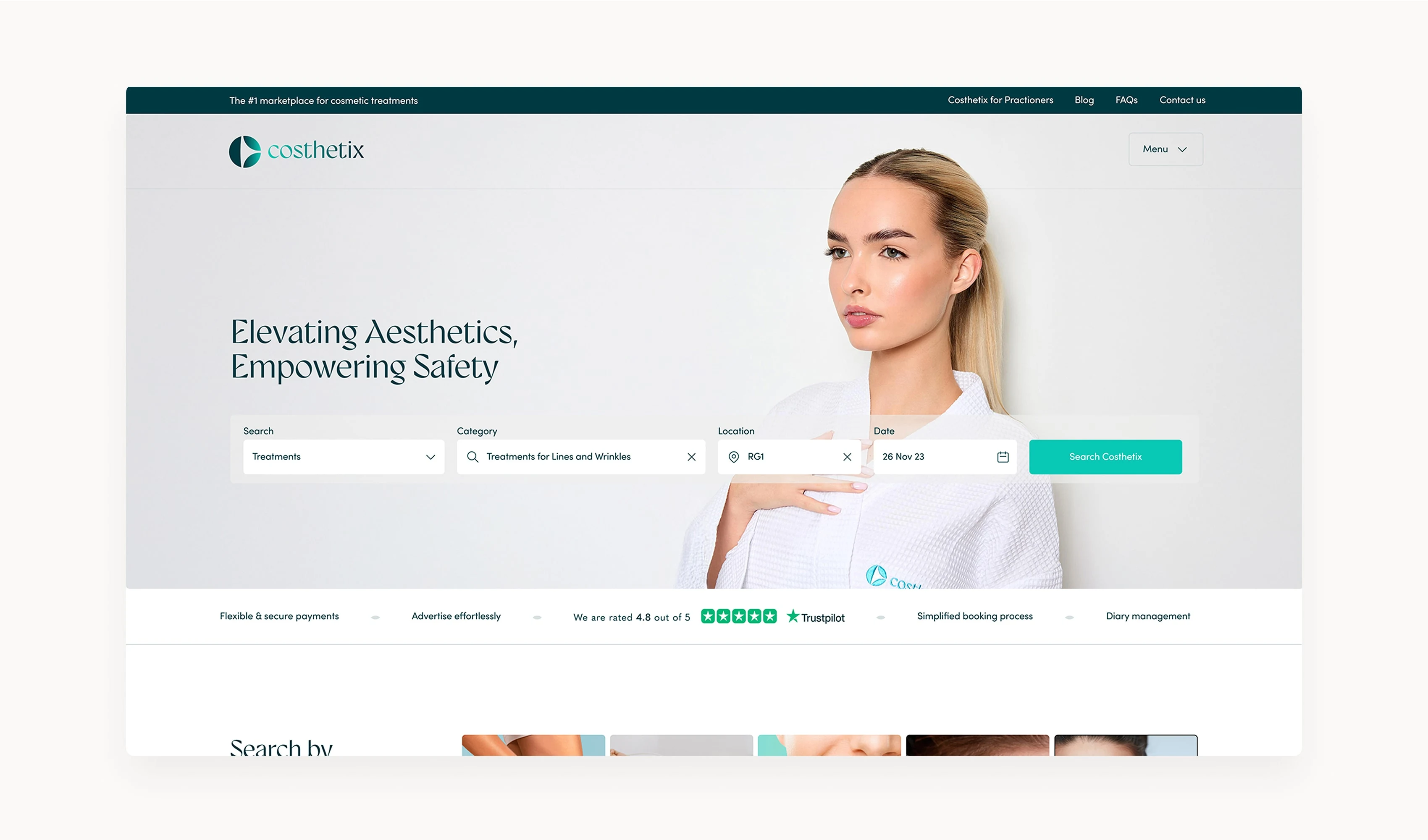
Typical knowledge base features for a marketplace
FAQs
A compilation of frequently asked questions along with their answers.
Guides and tutorials
Step-by-step directions on how to utilise the marketplace and its varied features.
Policies and guidelines
Transparent guidelines on marketplace usage, encompassing terms of service, privacy policy, return policy, and more.
Troubleshooting tips
Suggestions on how to resolve common issues encountered by users.
What is the best CMS for a marketplaces
To determine the best CMS for your marketplace, you need to consider various factors. The perfect CMS would depend on your business model, target demographic, and specific requirements. Here are some characteristics to consider when deciding on the best CMS for your marketplace:
"After wanting to up my game with my marketplace website I found Code23. They made switching web agencies really easy and have consistently provided great support, thoughtful suggestions and advice to improve the website thats has helped me focus on growing the business. The team are super responsive which is very reassuring for a non-techie!"
User-friendliness
An efficient CMS should be easy to use, letting you manage your marketplace effectively without the need for extensive technical skills.
Scalability
Your CMS should have the ability to scale with your marketplace, catering to increased traffic, more vendors, and additional products as your business grows.
Customisation
The CMS should be adaptable to meet your specific needs and should support a variety of extensions, such as blogs and knowledge bases.
Security
Security is of utmost importance. Make sure your CMS has strong security measures in place to protect your marketplace and its users.
Conclusion
Incorporating blogs and a knowledge base into your CMS strategy is more than just beneficial; it’s vital for marketplaces. As a marketplace founder, it’s your goal to equip vendors and customers with the tools and resources they need. A strong marketplace CMS, equipped with a blog and knowledge base, can greatly assist in achieving this objective.
The journey towards cultivating a marketplace community starts with having the right CMS. By focusing on key marketplace features such as blogs and knowledge bases, you can establish a successful digital marketplace that not only caters to the needs of your vendors and customers but also distinguishes itself in the competitive online arena.
Remember, the best CMS for your marketplace is one that facilitates growth, nurtures community, and empowers every user on your platform.
Frequently asked questions
Do I need a blog on my marketplace?
Not on day one. Get listings, categories and vendor profiles working properly first, because that’s what helps turn a visit into a transaction. A blog can earn its place once you understand buyers’ questions and can sustain useful content; existing traffic is not a prerequisite.
What’s the difference between a blog and a knowledge base on a marketplace?
A blog brings people in: guides, comparisons and SEO content aimed at buyers who haven’t decided yet. A knowledge base keeps people once they’ve joined: FAQs, policies and troubleshooting for buyers and sellers who already use your platform. Whether you need one, both or neither depends on audience demand rather than a fixed timeline.
Who should manage blog and knowledge base content on a marketplace?
It depends on your team. Some marketplaces give admins full control over blog categories, featured posts and knowledge base articles. Others let approved vendors contribute their own content, with admin approval before it goes live. Either way, assign an owner and review cadence so content does not become stale.
Does a CMS affect a marketplace’s SEO?
A CMS can support technical and content best practices, but the CMS itself is not a direct ranking boost and does not guarantee crawling, indexing or rankings (Google Search Essentials). A CMS that supports proper categories, clean URLs, author fields and featured images makes it easier for search engines to crawl and understand your content. Our marketplace SEO guide has more on how search engines evaluate your content once the basics are in place. Talk to us if you’re not sure where yours stands.
Next step
A marketplace CMS is only as good as what you build with it. Get the basics right first: listings, categories and vendor profiles that work. Add a blog once you know what your buyers actually search for. Add a knowledge base once your support questions start repeating themselves.
If you’re not sure which of those applies to you yet, the Marketplace Growth Review is a free 30-minute call that helps you work out where to start. If you already know you need to build, extend or migrate your CMS, the Marketplace Growth Plan gives you a written plan and a fixed price, credited against the build if you go ahead. We’ve built 50+ marketplaces over 15+ years, so we’ve had this conversation before.
Build the marketplace
Start with the workflows that make the model work.
We’ll map buyers, sellers, payments and operations before the build, backed by experience from more than 50 marketplace projects.


