Does Good UX Design Improve Your Google Ranking?
Is UX a Google ranking factor? Not directly. What Google does measure, including Core Web Vitals, and why good UX still matters for the visits you earn.
Contents
- What is page experience?
- Core web vitals
- Mobile-friendliness
- Safe browsing
- HTTPS security
- No intrusive interstitial pages
- Content is (still) king
- Is your site ready for the Google Page Experience?
Does good UX design improve your Google ranking? Not directly, and not as a single bundled score. Google does not use a single page-experience signal. Its ranking systems use Core Web Vitals. Secure delivery, mobile presentation and non-intrusive interstitials remain important experience considerations, but Google says those other aspects do not directly raise rankings. Relevant content can rank despite weaker experience, while a strong overall experience may contribute when several results are similarly helpful.
We wrote the first version of this article in 2021, right when Google announced the Page Experience update. Some of what we said has already changed: First Input Delay was retired as a Core Web Vital in 2024, replaced by Interaction to Next Paint, and Google has been clear that only Core Web Vitals feed into its ranking systems; other aspects such as mobile presentation, secure delivery and interstitials remain important for users but don't directly raise rankings.
What hasn't changed is the practical reason to care. A page that loads fast, works on a phone and doesn't fight the visitor keeps people around long enough to read your content and convert, and that's worth more than any single ranking signal on its own.
What is page experience?
Google describes page experience as an overall assessment across many aspects, including Core Web Vitals, secure delivery, mobile presentation, distracting ads and intrusive interstitials. It is not a single score, signal or checklist, and usefulness and relevance still come first. Google’s ranking systems use Core Web Vitals; the other aspects remain important for users but do not directly raise rankings.
To help gauge this, Google groups several aspects together to measure the real-world user experience of interacting with a web page. You can access Google’s detailed page experience document for developers here; the aspects it covers include:
Google retired First Input Delay as a Core Web Vital in 2024, so a current field data report shows Largest Contentful Paint, Interaction to Next Paint and Cumulative Layout Shift, not FID.
- Core Web Vitals: These include how quickly a page loads, how well it responds, and whether the content unexpectedly shifts
- Mobile Friendliness: Ensuring your webpages are mobile-friendly is essential for visitors browsing on a mobile device
- Safe browsing: a secure site is vital to keep user information safe
- HTTPS security: A webpage using secure HTTPS to send data between a browser and website inspires trust in your users
- Intrusive interstitial page guidelines: Avoid using mobile pop-ups or interstitials which can negatively impact the user experience
Let’s look at each of them in more detail.
Core web vitals
When you’re online, you want a fast, easy experience. That’s the thinking behind Google’s Core Web Vitals, which are metrics you can use to measure a webpage’s loading speed, interactivity, and visual stability. They include:
- Largest Contentful Paint (LCP): measures when the largest visible image, text block or video finishes rendering. Good is assessed at 2.5 seconds or less at the 75th percentile
- Interaction to Next Paint (INP): measures interaction responsiveness across the whole visit, not just the first one. Google replaced First Input Delay with INP as the official Core Web Vital in 2024. Good is assessed at 200 milliseconds or less at the 75th percentile
- Cumulative Layout Shift (CLS): measures unexpected layout movement. Good is assessed at a CLS of 0.1 or less at the 75th percentile
Use PageSpeed Insights for URL-level performance and available CrUX field data, Search Console for grouped Core Web Vitals reporting, and Lighthouse plus real-device testing for broader mobile usability.
Mobile-friendliness
Many visitors browse on mobile devices, so the mobile version must contain the same primary content and work well for users.
These users expect their mobile browsing experience to work just as well as it does on their laptop or computer. Google uses the mobile version of content for indexing and ranking and strongly recommends mobile-friendly design.
Google retired its standalone Mobile-Friendly Test tool. To check your site now, use PageSpeed Insights for URL-level performance and available CrUX field data, Search Console for grouped Core Web Vitals reporting, and Lighthouse plus real-device testing for broader mobile usability, including tap-target sizing and legible text. It's a usability check, not a ranking test.
"We chose Code23 to build our new website and we were not disappointed! A great service from start to finish, creative, professional and friendly. Can't fault them."
Safe browsing
It’s worth keeping your site free from malicious content such as malware or spyware. Google Safe Browsing and Search Console can warn about malware, hacked content and social-engineering pages that put visitors at risk.
If anything is found, Safe Browsing may show warnings and Search may remove hacked content; fixing issues restores safety and eligibility, not guaranteed ranking gains. Does your site have any safety issues? Find out now using Google’s Security Issues Report.

HTTPS security
HTTP is the application protocol browsers and other clients use to request and transfer web resources. HTTPS runs HTTP over TLS.
TLS encrypts the connection; the certificate helps the browser authenticate the server’s identity.
To check the safety of your site’s connection, visit Google’s guide to enabling HTTPS here.
No intrusive interstitial pages
Have you ever tried to click on a piece of content on a website only for an unexpected popup to appear and shift the whole page down so you accidentally click on something else? We feel your pain. It’s frustrating. It’s a big problem on mobile devices. It’s bad user experience.
For Google, making it easy for users to access content is key. Google's guidance says intrusive interstitials, such as pop-up ads or promotions, make it harder for Google and users to understand your content, which can hurt search performance. Legally mandatory interstitials may be exempt, but implementation must still follow Google's interstitial guidance.

Content is (still) king
Earlier we said that the Google Page Experience doesn’t relate to how useful your website is, but how useable it is. Google's current guidance is that relevant content can rank despite weaker experience, while a strong overall experience may contribute when several results are similarly helpful. As noted on the Google Search Central Blog back in 2020, ‘A good page experience doesn’t override having great, relevant content. However, in cases where there are multiple pages that have similar content, page experience becomes much more important for visibility in Search.’1
So, as long as the content of your site provides the best answer to a user’s search request, it can still rank well in Google Search even if it rates poorly on Core Web Vitals or the wider page experience considerations, especially where few other pages answer the query as well.
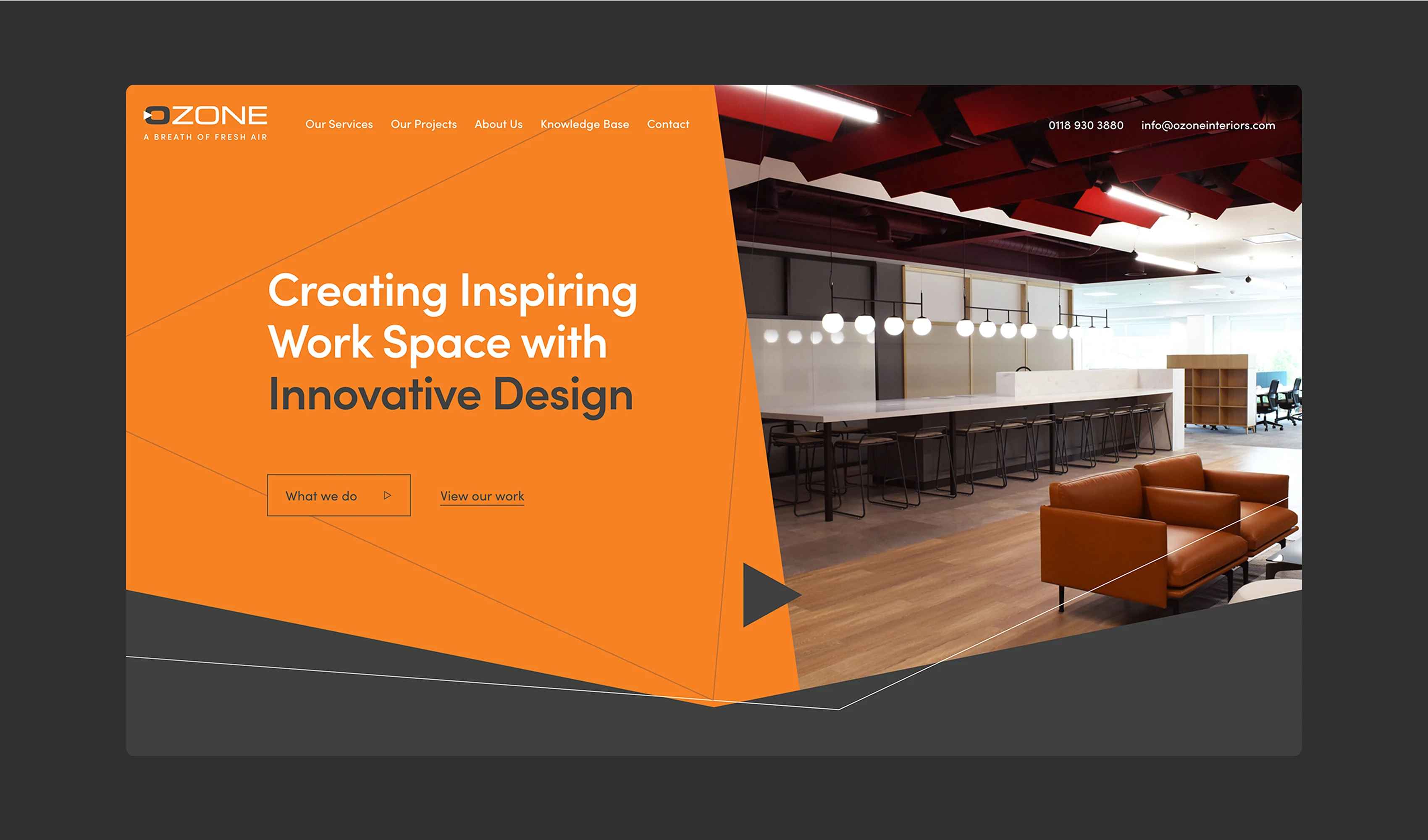
Source: Code23 case study, Ozone Interiors (code23.com/work/ozone/)
Is your site ready for the Google Page Experience?
Good UX is worth checking on its own terms, not just for a Google update. As experts in UX Design, we’d love to help you get your website up to speed (quite literally) and give visitors the experience that keeps them converting.
Frequently asked questions
Is UX design a direct Google ranking factor?
Not on its own, and not as a single signal. Google's ranking systems use Core Web Vitals. Mobile-friendliness, HTTPS and non-intrusive interstitials remain important experience considerations, but Google says those other aspects don't directly raise rankings. General UX quality doesn't get scored directly, but it can influence the engagement and conversion that make the rest of your SEO work pay off, so it's still worth getting right.
What replaced First Input Delay as a Core Web Vital?
Interaction to Next Paint, or INP. Google made it official in March 2024. INP measures how a page responds across a whole visit rather than just the first click, so it's a better test of whether your site actually feels fast to use. If your Core Web Vitals report still only mentions FID, it needs updating.
Does mobile-friendliness affect where I rank?
Not as a separate mobile-friendliness boost. Google uses the mobile version's content for indexing and ranking, so missing or inaccessible mobile content can affect search performance. Mobile usability remains important for visitors and conversions. Fixing it is a UX job, not just a technical one.
References
- https://developers.google.com/search/
- https://developers.google.com/search/docs/appearance/page-experience
- https://web.dev/articles/vitals
Next step
The version of this update we wrote about in 2021 has already moved on twice: First Input Delay is gone, and Google says relevant content can rank despite weaker page experience, while strong page experience may contribute when several results are similarly helpful. What hasn't changed is the practical reason to care. Visitors can leave a slow, cluttered or hard-to-use site before they read your best content, and that costs you conversions whatever the ranking algorithm does next.
If you're not sure whether your site's UX is costing you visitors, a proper design review is the fastest way to find out. We've delivered 350+ projects since 2005 and have 60+ five-star Google reviews.
Design the product
Make the product easier to use before you build it.
We’ll turn the key journeys into a testable prototype, remove friction and give the build team a clear product direction.


