Best WooCommerce Plugins
The WooCommerce plugins worth using in 2026, and the ones that used to be recommended but are now discontinued or rebranded. Code23 picks what's still worth installing.
Best WooCommerce Plugins
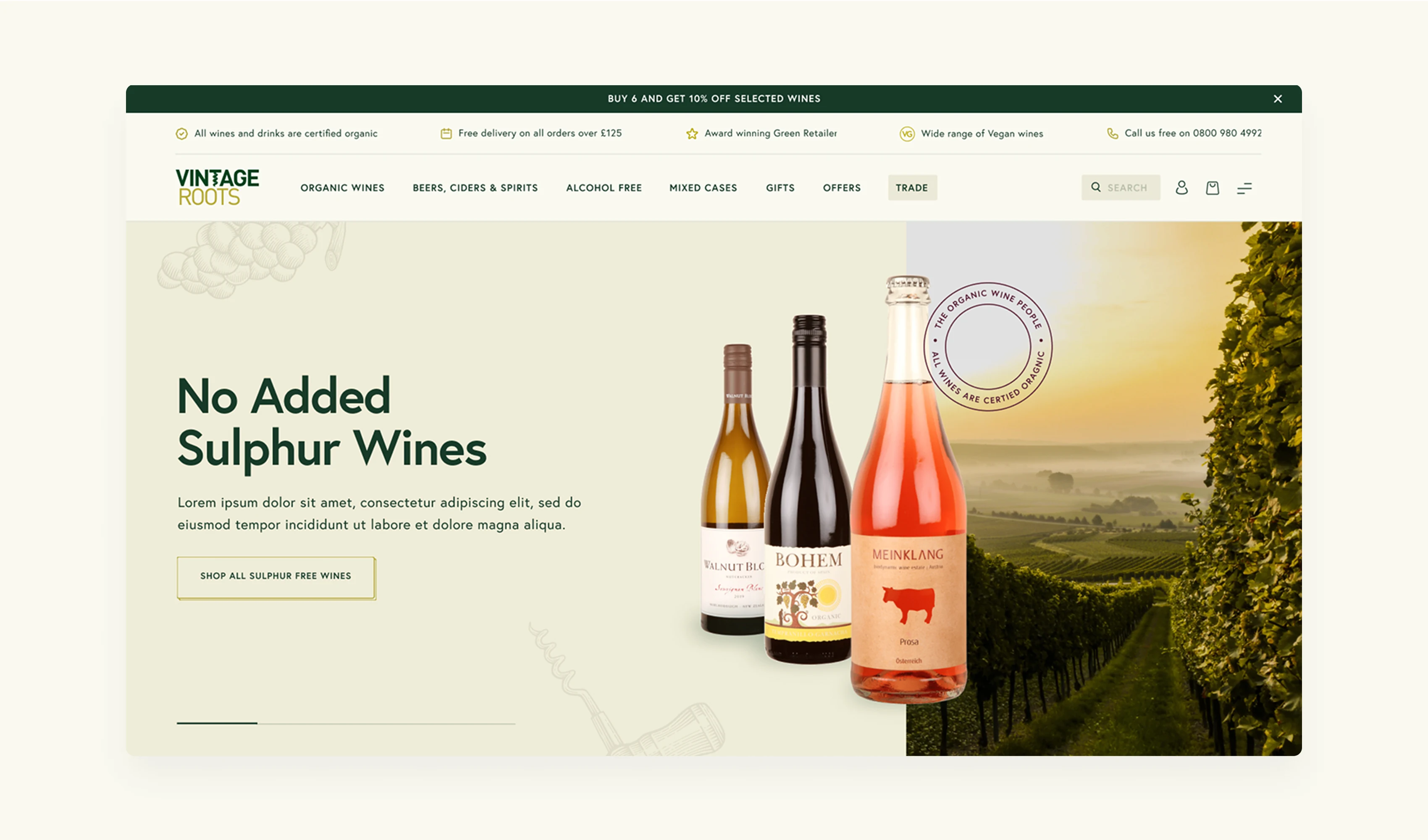
WordPress doesn't host your store, but WooCommerce turns it into one: WooCommerce runs on 8% of all websites according to W3Techs (September 2026). The best WooCommerce plugins are the ones that do one job properly rather than several averagely: a cart and checkout that don't lose orders, a search that finds what buyers are looking for, shipment tracking that saves your support inbox, and a currency switcher if you sell abroad. Code23 has built and migrated WooCommerce stores for years, including EnjoyCBD's storefront rebuild and Vintage Roots' Magento migration, and we still see the same pattern: use the smallest maintained set that covers the store's needs, then measure each plugin's effect on performance and completed orders. This list covers the plugins worth your time in 2026, and a few that used to be on it and aren't any more.
eCommerce UX
People like to buy stuff. People like to buy stuff quickly. The bottom line to successful eCommerce not only lies in the products you are selling, but how you are selling them. eCommerce UX depends on design, content, performance and the extensions used, including any additional plugins that extend the existing functions. These should be installed with a constant aim of boosting your online store to make it the best it can possibly be.
What to focus on
- Customer retention
- Cart abandonment
- Product display & information
- Shipment and tracking integrations
With any plugin or new feature to your website, consider the following: How does this improve the online shopping experience for my customers?

Why WooCommerce
Acquired by Automattic in 2015, WooCommerce is the powerhouse eCommerce plugin for WordPress. It’s still one of the most widely used ecommerce platforms in the world. What does this tell us? That it’s a trusted eCommerce plugin, popular across the web.
The statistics speak for themselves, which is why Code23 uses WooCommerce on suitable ecommerce projects.
WooCommerce supports physical and digital products in core; subscriptions and appointments require suitable extensions, including:
- Digital goods
- Physical products
- Subscriptions or appointments
What’s more, with various shipping and payment options built in, it’s a dependable base to build a store on.
The best WordPress plugins for eCommerce sites are those which consider the end-user at every point.
"We wanted to update our site to an ecommerce site with the latest social media links. James had previously built our site so changes like these could be made with the least disruption and cost. We were thrilled with the results. As always James took the trouble to clearly understand our needs."
Best plugins to help with Cart abandonment
Just over 70% of online shopping carts get abandoned, averaged across 50 studies (Baymard Institute). See this as a chance to capitalise. Ask yourself, why do buyers get this far and stop? What is it that’s stopping them from finishing the purchase?
Find room for opportunity within your shopping cart process, as there are plenty of WooCommerce plugins designed to help with conversion.
Some of the best cart plugins include:
- Smart Cart – with customisation features and better UX
- One Page Checkout– streamline payment method to one page
The top reasons for cart abandonment
- Extra costs
- Having to create an account
- Complex process
- Didn’t trust site
- Delivery too slow
- Returns policy
Consider these features of your checkout process. There’s usually room for improvement, so try and find yours.
Best plugins to improve customer UX
- FOX Currency Switcher
- Shipment Tracking
- Doofinder
- Live Chat for WooCommerce
- Direct Checkout for WooCommerce
- Menu Cart for WooCommerce
- YITH WooCommerce Compare
eCommerce can be a bit of a minefield. Trying to make it as easy as possible for your customers to find the product they’re looking for can make all the difference. As discussed in our blog post on Responsive Web Design, the simpler your layout, and simpler the accessibility to the product, the better.
FOX: Currency Switcher for WooCommerce
With over 50,000 active installations, FOX Currency Switcher (the plugin formerly known as WooCommerce Currency Switcher) allows visitors to switch currencies in real-time, and with custom features and various design options, you can tailor it to suit your website down to a T.
Shipment Tracking
Nowadays, customers are looking for more than just an easy checkout. People like to keep on track of where their parcels are, and if there have been any problems along the way. Keeping customers in the know makes you a reliable and trustworthy company to purchase from, and building trust with a customer is one of the best ways to help with retention. WooCommerce Shipment Tracking allows for all this. WooCommerce's current Order Shipment Tracking documentation lists default providers by country, including DHL, FedEx, UPS, GLS and Aramex worldwide; Royal Mail, Parcelforce, Yodel, Evri and Amazon Logistics UK in the UK; and further named regional providers. Custom providers can also be added.
Doofinder
With fast, accurate results Doofinder is a popular search plugin with a free trial. This plugin is brilliant for site navigation. Customers want to find the products they want, and fast. Test Doofinder's relevance, speed and conversion impact against WooCommerce's existing search before subscribing.
Live Chat for WooCommerce
Giving users and customers access to helpful info when they need it can not only enhance a shopping experience but can help with customer loyalty. Live chat has become an increasingly common feature for eCommerce websites; whether you are selling a product or service, there will likely be specific questions customers have, or queries that may affect whether they shop or not. Rather than a lengthy email chain back and forth, Live Chat Plugin for WooCommerce – LiveChat provides a direct channel for customer questions.
- Creates a more personal online shopping experience
- Can help with customer loyalty
- Problems are often resolved more quickly
Direct Checkout
Direct Checkout for WooCommerce simplifies the checkout process and shortens the path by sending customers directly to checkout; test its effect on completed orders. By skipping the shopping cart page, customers can be directly taken to the checkout page. Test whether the shorter path improves completed orders for your customers looking for a quick and easy purchase, who have come to your online store with a specific purpose.
Menu Cart for WooCommerce
Menu Cart for WooCommerce is a great little plugin that again focuses on simplifying the checkout and purchase process by adding a shopping cart button to the navigation bar. In terms of UX, this can remind shoppers of items in their shopping bag and make a more inclusive online shopping experience. What’s more, this plugin works with you, allowing you to customise your own CSS and display the cart wherever you fancy.
Why MenuCart?
- Keeps the cart accessible from the navigation
- Shows shoppers the items or total already in the cart
- Can reduce the steps needed to return to checkout
YITH WooCommerce Compare
For UX, YITH WooCommerce Compare can give your website a boost, allowing users to compare multiple items at once on screen. This comparison tool can help users to make a purchase without having to flit back from screen to screen.
Again, this visual aid tool works to make the online shopping experience better for the end user. When implementing new WordPress eCommerce plugins, this should be at the forefront of your mind.
A streamlined site can reduce friction, but loyalty and ROI depend on the full offer; measure each plugin's effect before keeping it. This article is the tip of the iceberg when it comes to the vast array of plugins out there.
Integrate some of the above with your eCommerce website and see where it takes you. If you are new to the world of WooCommerce, Code23 can help you, with eCommerce website design and development.
Frequently asked questions
Do I need a lot of plugins to run a WooCommerce store?
No. A cluttered plugin list is a reason to check for overlap, abandoned code and features nobody still uses. Many stores can cover their needs with a smaller set of distinct plugins: cart, search, tracking, reviews, not ten tools half-doing the same thing. If plugins are slowing your site down or fighting each other, that's worth a proper look before you add another one.
Are free WooCommerce plugins as good as paid ones?
Often, yes, for a single job done well. Paid plans may add support, updates or features; compare current documentation and licence terms, like Shipment Tracking's carrier coverage or One Page Checkout's conversion tools. Weigh a plugin against what it actually saves your team, not just the price tag.
How many plugins is too many for a WooCommerce store?
There's no fixed number. What matters is whether each one earns its place: does it do a job nothing else does, and is it still maintained? Maintained plugins can be safer than abandoned ones, but risk depends on code quality, permissions and exposure. Review your plugin list at least once a year.
Can too many WooCommerce plugins slow down my website?
Yes, it can. Each active plugin adds dependencies, but impact varies and some code loads only where needed. Conflicting plugins can also duplicate work in the background. Profile requests, database work and front-end assets before blaming plugin count.
Next step
If your WooCommerce store is running on plugins nobody's reviewed in years, that's worth twenty minutes of someone's time before it costs you a sale or turns into a security problem. We've delivered 350+ projects since 2005, including full WooCommerce rebuilds for UK retailers, and can help you assess which plugins are still earning their place.
A plugin list built up over several years is worth reviewing for waste. If you'd like a second opinion on yours, get in touch.
Plan the next release
Build the next version around the result it needs to produce.
We’ll define the scope, design the journeys and build the systems behind them with one senior UK team.


